OpenAI Shipped ChatGPT Work This Week. Here Are the 4 Marketing Jobs I'd Hand It — and the 3 I Wouldn't.
Contents
Thursday night OpenAI pushed ChatGPT Work to every macOS desktop user. Friday morning I opened it, typed one goal — "benchmark our onboarding email flow against three named competitors and build me a comparison table" — clicked into Plan mode, approved the steps, and went to a client call. Forty minutes later a filled-in table was waiting, with a short note flagging two competitors whose flows it couldn't fully reach. Not perfect. But I hadn't touched it for those forty minutes, and that is the whole point.
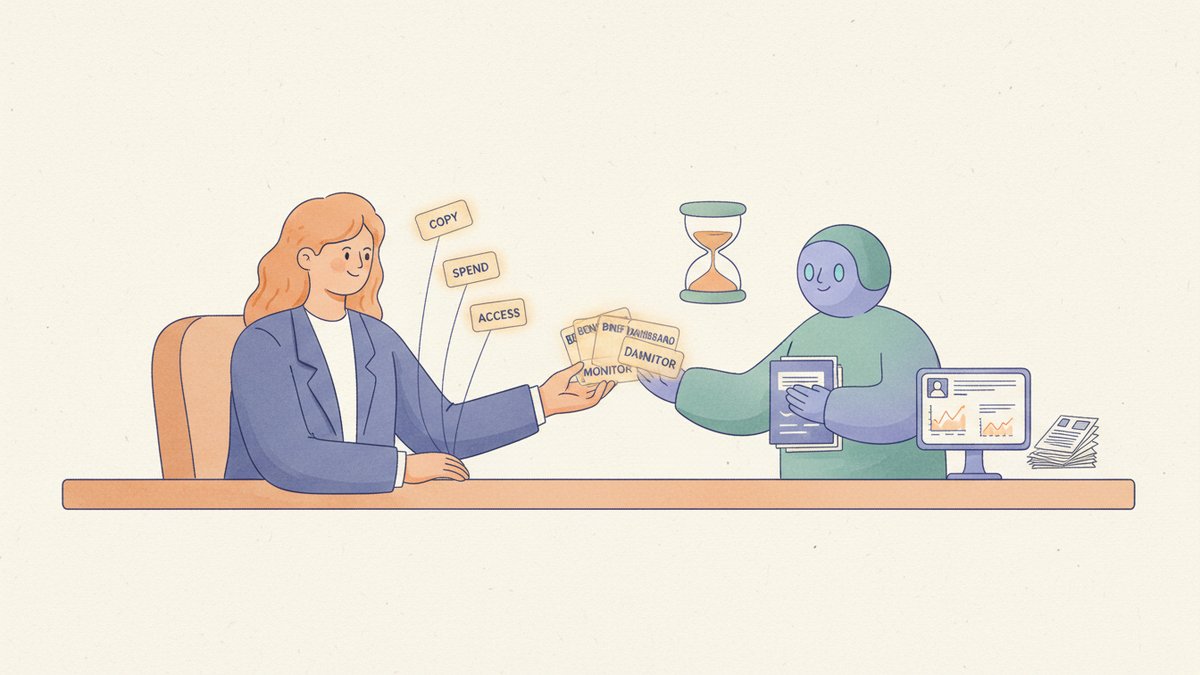
That last sentence is the story of this launch. ChatGPT Work isn't a smarter chatbot. It's an agent — you hand it a goal, it works for a stretch (OpenAI says "for hours"), and it comes back with a reviewable deliverable instead of a wall of chat. The unit of work moved from "a good answer" to "a finished thing." For a marketing team, that shift matters more than the model number underneath it.
What actually shipped
Quick facts, no hype. On July 9 OpenAI released ChatGPT Work alongside the GPT-5.6 model family, and folded its Codex coding tool into the same desktop app — one app now for chat, agentic work, and code. Business Insider called it a "super app for work." That's the vendor framing, but the direction is real.
For marketers, the parts that matter:
- Plan mode — before it runs, ChatGPT gathers context, asks clarifying questions, and shows you a step-by-step plan. You edit it or approve it. This is the difference between delegating and gambling.
- Connectors — more than 1,400 plugins. Connect Slack, Gmail, Google Drive, and it pulls context from the tools you already live in.
- Sites — turn a plan or a pile of data into an interactive dashboard, tracker, or launch calendar that stays current as things change.
- Scheduled tasks — one-time, recurring, or triggered "when something changes." Monitoring, done natively.
It's powered by GPT-5.6 (the Sol model on paid plans). I wrote up the 5.6 family — Sol, Terra, Luna — a couple of days ago, so I won't re-litigate the models here; ChatGPT Work is the product layer sitting on top of them. One thing worth saying plainly: it's a feature inside plans you may already pay for (Plus, Pro, Business, Enterprise, Edu), not a new line item with its own bill. The desktop app is even available to free users.
The 4 jobs I'd hand it this week
1. Competitive benchmarking that used to eat a week. Virgin Atlantic's digital product lead says, on OpenAI's own launch page, that they fed it structured customer-journey paths, let it research and walk competitors' flows, and got back a dataset showing where they led and lagged — "weeks" of competitive analysis compressed "into hours." That maps almost exactly onto the competitor-monitoring workflow I used to duct-tape together with Make.com and a scraper. Now it's one goal and a review pass. That's not a small saving; that's a different job.
2. Turn a research pile plus a template into a first-draft brief. OpenAI's own example prompt is telling: "Create a launch brief from the attached research and campaign template. Show me the plan and flag missing information." That "flag missing information" clause is the whole game — it separates a useful draft from one that's confident and hollow. Feed it the messy inputs, get back a structured brief you edit. You've skipped the blank page, not the thinking.
3. Living dashboards instead of the Friday status deck. Sites is the sleeper feature here. A launch calendar, a campaign tracker, a simple reporting page that updates as the numbers move — built from your data, shareable to the team, no BI tool and no designer in the loop. If you've ever rebuilt the same status slide every Friday afternoon, start here.
4. Recurring competitive and keyword monitoring. Scheduled tasks that watch a set of competitor pages, an ad library, or your top keywords, and ping you only when something actually moves. I've built this before with n8n and a stack of glue that broke every time a site changed its markup. Having it native, with a capable model reading the diffs, removes a genuine maintenance headache.
The 3 I'd keep on a short leash
1. Final, external-facing copy. It drafts well. It does not get to publish unread. And here's the counter-intuitive part: an agent that works for hours produces more to review, not less. The bottleneck moves from writing to reviewing. If you don't staff the review, you've simply automated the production of plausible mistakes — the exact failure mode Dan Q's "AI vs The Expert" nails: ask a model for the impossible and it eagerly hands back something plausible that isn't what you wanted.
2. Anything that spends money without a human gate. It can take actions across your tools. Do not wire it to change bids or shift budgets on its own. Use the "approve important actions" step it gives you, and keep a human on the money. An agent that's wrong for forty minutes on a comparison table costs you nothing; one that's wrong for forty minutes on a live campaign costs you real budget.
3. Broad connector access on a shared workspace. Fourteen hundred plugins is power and a governance problem in one number. Connect narrowly — the two or three tools a specific task needs — not "everything, just in case." On a Business or Enterprise workspace, decide who can connect what before someone points it at the CRM and the finance folder.
Where I land after two days
Two things are true at once. The agent framing is genuinely new and genuinely useful — that coffee-break benchmark table wasn't a demo trick. And this is the third agent to land in my channels in as many weeks: GPT-5.6 dropped days ago, and Meta's Muse Spark is already sitting inside the ad tools. You cannot adopt all of them at once and stay sane. Pick the job, not the tool.
The uncomfortable truth this launch exposes is that an agent is only as good as the brief you give it and the review you wrap around it. It rewards the marketer who was already good at delegating to a sharp junior — clear goal, the right context handed over, then actually checking the work. It punishes the one who reads "AI" as "I get to stop thinking." ChatGPT Work didn't remove the skill. It moved it: from doing the task to specifying it and judging the result. That's the muscle worth building this week — because the tool underneath it will keep changing, and that judgment won't go out of date.