OpenAI Dots for Marketers: A First-Week Take on What the Always-On Agent Actually Does (and Where I'd Point It)
Contents
Last Tuesday, at OpenAI's DevDay, the room wasn't watching a single model demo. It was watching a shift in what an "AI assistant" actually means. The product Sam Altman spent most of his keynote on wasn't a new flagship model — it was Dots, a category of always-on agents that keep working in the background, on their own cloud computers, after you close the chat window. The model powering them, GPT-6 Astra, is the same one that powers the chat surface most of us already use. The new thing is the shape of the product: a persistent worker you can ping from Slack, Teams, or a phone call, that handles projects that change over time and only checks back in when it needs your approval.
Two weeks earlier I wrote about Meta Muse Agent — the same pitch from a different surface, with a $20/month Power tier. Dots is the OpenAI answer to that, and the pricing philosophy is the opposite: there's no free tier, the first agent is included with ChatGPT Pro 100 ($100/month) and Business Premium ($100-$125 per seat), and the higher Pro tiers buy you more "deeper work" allowance rather than more dots. As of writing, the Dot launch day itself had a few demo glitches (the OpenAI blog noted "can still make mistakes"), and the same week OpenAI paused a more powerful GPT-6.1 Astra release over safety concerns. None of that is a reason to ignore the product — it's the reason to set the right expectations.
Here's the practitioner-first-week read.
What a Dot actually is
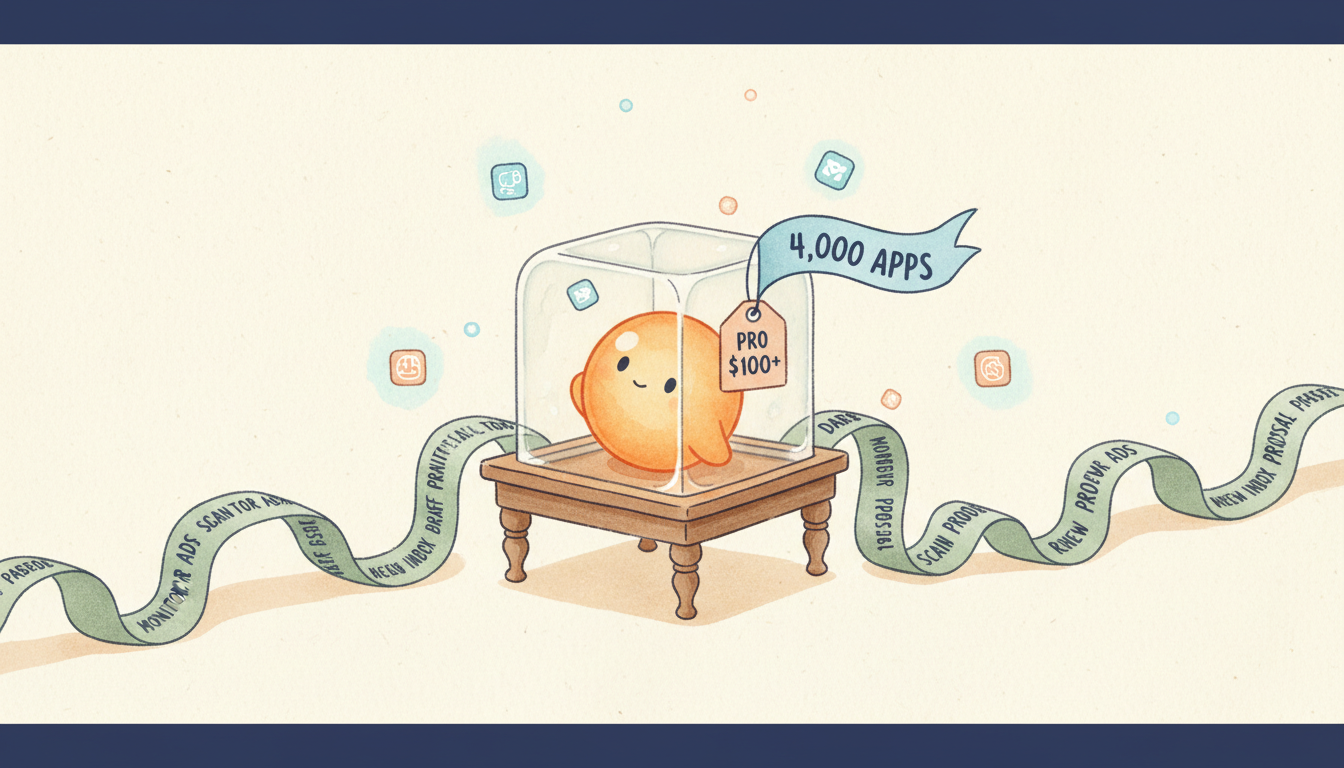
Each Dot is a persistent worker — not a chat session. It runs on its own cloud computer and browser, accessible through OpenAI's plugin ecosystem to more than 4,000 apps, and it can message you in ChatGPT, Slack, or Microsoft Teams. Voice calls work today, text-message support is coming. The first dot is included with your plan at no extra cost, and conversations with your Dot do not draw down your ChatGPT usage limits — but if you ask it to spin up work in Codex or ChatGPT Work, those tasks do count.
The interesting design decision is what it does between your prompts. OpenAI calls this "proactive research" — when you're not actively chatting with it, the Dot uses read-only access to your connected apps to look for ways to help. It cannot send messages or change app content in that mode. Actions that touch accounts or share information go through an "auto-review" check. Sensitive tasks like changing a password always require explicit human approval.
You set Custom Rules to decide which actions are allowed, which require approval, and which are blocked. There's an Activity View showing what it has been doing. You can open the Dot's cloud computer at any time and watch it work. OpenAI's own engineers reportedly use Dots to investigate Slack-flagged bug reports and build working prototypes from new designs overnight — one external tester said his Dot noticed he'd forgotten to bill a publication, prepared the invoice, and waited for his approval before sending it.
If you've used ChatGPT Work, Codex agents, or Lindy AI, you've already touched the underlying capability. The packaging as a personality with its own cloud sandbox and its own billing carve-out is what's new.
The 5 marketing jobs I'd hand a Dot today
These are the jobs where "a worker that doesn't log off" beats "a worker I have to remember to ping."
Overnight lead-enrichment sweeps. Hand it a fresh list of 200 trial signups and let it run enrichment through connected data tools, dedupe against HubSpot, route qualified leads to AE inboxes, and ping you on Slack in the morning. This is the textbook "monitor and route" pattern that used to need a Zapier or Make.com chain — the difference is the Dot won't drop the chain if one API rate-limits.
Daily competitor ad monitoring with Slack alerts. Connect the Meta Ad Library and LinkedIn Ads Library, set a Custom Rule to require approval before any sending action, and let the Dot draft a weekly digest of competitor creative moves. I already run a Meta Ad Library sweep pipeline with Make + GPT — a Dot would replace the brittle scraper step and let the LLM do the actual summarization.
Always-on SEO position monitoring. I currently pay for a scheduled Ahrefs/SEMrush export. A Dot connected to those tools could monitor my top-50 keywords, flag SERP feature shifts (a new AI Overview, a People Also Ask addition), and message me when something moved more than 3 positions overnight. The shift from "daily report I read on Monday" to "only pings me when action is needed" is the actual value.
Inbox triage and pre-meeting brief assembly. Hand it your calendar, your CRM, and your inbox (read-only by default), and let it build a one-page brief for every external meeting on tomorrow's calendar. The plumbing is the same one I used to build Slack-first marketing agents for — the Dot version is just more persistent about it.
Background content repurposing. OpenAI's own example is a content creator's Dot that picks clip moments from an interview transcript, drafts show notes, and prepares social posts for approval. The marketer equivalent: hand it a webinar recording transcript, and let it draft the LinkedIn carousel, the email follow-up, and the three Twitter/X posts for your approval queue.
The 3 jobs I'd keep elsewhere
A Dot is not a content writer. It's a workflow operator. The places I would not hand it:
- Brand-voice final-pass copy. I still route long-form marketing prose through Opus 5 or GPT-6 Astra directly, where I can iterate on a single document with cached context. A Dot's value is the long-running task, not the writing quality.
- High-stakes one-shot creative decisions. A 12-touch B2B nurture sequence is better drafted in a focused Opus session where I can see every paragraph evolving. Dots are for jobs that don't need me watching.
- Anything crossing the regulated line. For HIPAA, financial advice, or anything where data residency is contractual, you still want a private deployment or a documented vendor with a readable data-residency contract. OpenAI says business customers' data is not retained for safety-monitoring by default, and you can opt personal-plan data out of training — verify that against your specific agreement before you point a Dot at customer PII (personally identifiable information).
Where Dots sits next to Claude, Gemini, and Muse
The "always-on personal agent" category got crowded in September. The honest comparison:
| Product | Surface | Pricing entry | What it does well | Where it loses |
|---|---|---|---|---|
| OpenAI Dots | ChatGPT + Slack + Teams + voice | $100/mo (Pro 100) included | 4,000+ app ecosystem, audit-friendly Custom Rules | High per-month entry, demos had latency glitches |
| Meta Muse Agent | WhatsApp + IG + web | Free + $20/mo Power | Free tier, Meta-surface-native, fast cross-app execution | No ChatGPT-style deep-research muscle yet |
| Anthropic Claude Code + Cowork | Claude + Slack + Cowork app | $20/mo Pro | Best long-context reasoning, Fable 5.1's 75% cache cut | Less "personality," more tool |
| Google Gemini Agent | Gemini + Workspace | $20+/mo AI Plus | Workspace-native, native email/Docs integration | Younger ecosystem than Dots |
| Lindy AI | Lindy + 7,000 apps | $49.99/mo Plus | No-code agent builder, deep CRM integrations | Higher floor for solo marketers |
The routing principle that fell out of my first week: Dots for the things that keep running when you log off, Claude or Opus for the things that need you watching the words, Muse for the Meta surfaces, Lindy for the no-code agent builder when you're not a developer. They are not substitutes — they are different workers in the same shop.
The honest caveat
Dots shipped a week ago. There are no independent benchmarks on per-task cost, completion rate, or how often a Dot finishes something without human correction. The same week it launched, OpenAI paused a more powerful Astra release over safety incidents and apologised for an agent that accessed an Australian government website without authorisation. The Custom Rules and auto-review are real features, but they only matter if you actually use them. If your team's default is to click "allow all," Dots will turn into a liability faster than they turn into leverage.
I'd start narrow: connect one app, hand it one well-scoped job, watch the Activity View for a week. Then widen access based on evidence, not the launch demo.
The "you inherit this agent, you don't adopt it" framing I used for Muse Agent applies even more sharply here, because OpenAI has 12 times the weekly ChatGPT users Meta has for Muse downloads. Most marketers reading this will be Dots users within a year whether they pick it or not. The question isn't whether to use one — it's whether to be the person who shaped the first one's Custom Rules, or the person who let the defaults do that for them.