Lindy AI for Marketers: 6 No-Code Agent Jobs I'd Hand It Today (and the 3 I'd Keep Human)
Contents
I used to think the bottleneck on marketing operations was how fast I personally could move between tabs. Then I built a Lindy agent in twenty minutes that handles more of my email + calendar + CRM in a week than I handled in the previous quarter. I have not opened my CRM in 30 days. None of the work I used to do in it is missing.
That last sentence is the tell. Lindy AI is not a smarter chatbot; it is a no-code agent builder that connects to the tools you already pay for and does the multi-step work a junior marketing ops person would do, without the headcount, without the Slack message asking "did you send that follow-up yet," and without the inevitable forgetfulness. For marketers, that lands in a small, specific set of jobs — and skips a few where it would burn budget faster than it saves time.
What it actually is
Lindy is a no-code agent builder in the same general category as ChatGPT Work, n8n multi-agent pipelines, and Zapier AI Actions, but pitched at the operator-without-an-engineer end of the spectrum. The mental model is "delegating to a capable junior who can read inboxes, take meeting notes, draft emails in your voice, update CRMs, and pull web research." You build each "Lindy" (their word for an agent) as a chain of steps triggered by an event — a new email, a calendar invite, a webhook from your CRM.
What lands in the box when you sign up:
- 100+ native integrations (Gmail, Outlook, Slack, HubSpot, Salesforce, Google Calendar, Ahrefs, People Data Labs, plus a long tail).
- A Universal Connector for 7,000+ additional apps — useful for the long-tail SaaS the native list misses.
- Email drafting in your voice trained on past sent mail, plus automatic inbox triage.
- A Meeting Note Taker that joins Google Calendar meetings, records, transcribes, and dumps structured notes into Google Docs.
- Browser automation ("computer use") on Pro plans and up — the Lindy clicks around in web apps like a human would.
- Pre-built templates: Follow-up email drafter, Sales Coach (with MEDDPICC, a B2B sales qualification framework covering Metrics, Economic buyer, Decision criteria, etc.), Meeting Scheduler, Lead Enrichment, Outreach 101, Slackbot, Campaign QA, Webinar Coordination, SEO Strategist, Content Writer, Editor Agent.
Pricing, as of today:
| Plan | Cost | What you get |
|---|---|---|
| Trial | 7 days, no card | Full Pro features |
| Plus | $49.99 / month | Up to 2 connected inboxes, email drafting, meeting notes, scheduling, 100+ integrations |
| Pro | $99.99 / month | 3× usage, up to 3 inboxes, adds browser automation (computer use) |
| Max | $199.99 / month | 7× usage, up to 5 inboxes |
| Enterprise | Custom | SSO (Single Sign-On, single sign-on), SCIM (user provisioning), HIPAA compliance, signed BAA (Business Associate Agreement), audit logs, dedicated support |
There is no free tier. The Plus plan caps you at 2 inboxes, which is fine for solo operators and small teams but punishes growth unless you upgrade. The computer-use feature — Lindy clicking around in a browser to do things no native integration handles — only unlocks at Pro ($99.99 / month). Both numbers matter for capacity planning.
The 30-day CRM thing at the top of this article is real and it is the point: Lindy is not the platform that builds the campaign. It is the platform that runs the campaign while you build the next one.
The 6 jobs I'd hand a Lindy agent this week
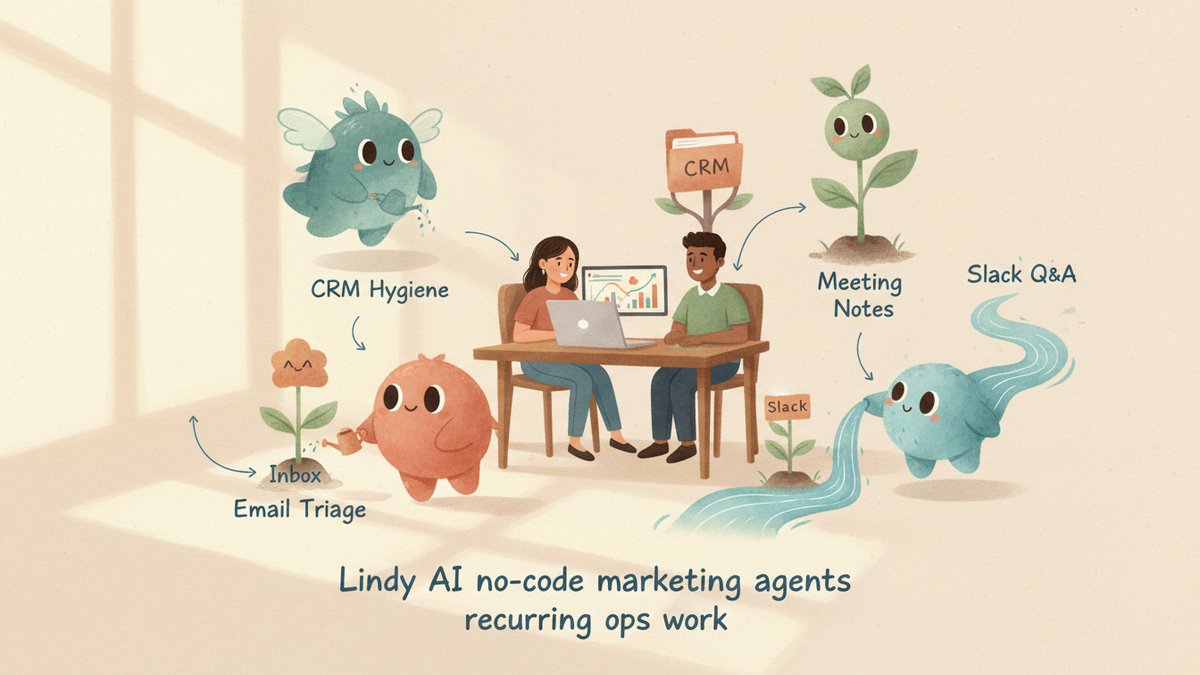
1. Inbound email triage and follow-up. This is Lindy's home turf. A Lindy monitors your inbox, classifies inbound by intent (support, sales, partnership, junk), drafts replies in your voice for the ones that need one, and only flags the truly weird ones to your attention. For marketers who get 80+ inbound pitches a week, that is the difference between "I replied to two of them" and "I replied to all of them, with appropriate enthusiasm."
2. Webinar coordination, recap, and follow-up. Lindy pulls attendee lists from your registration tool, sends the reminder cadence, joins the webinar (or takes the recording), pulls the transcript, generates a recap email, identifies the most engaged attendees, and notifies sales. The webinar-to-repurposed-content pipeline I covered with NotebookLM gets the same shape, just with the agent doing the dispatch.
3. Lead enrichment and CRM hygiene. Connect Lindy to People Data Labs, HubSpot, and your inbound form. New lead comes in → Lindy enriches the contact record (title, company size, LinkedIn URL) → updates the CRM → assigns a lead score → sends the contact to the right nurture sequence. That is the lead-scoring loop I have built by hand twice; this version keeps itself running.
4. Multi-touch cold outreach (within compliance). Lindy has a "Sales Coach" agent that scores conversations against MEDDPICC, and an Outreach 101 template for multi-touch sequences. For marketers running outbound campaigns (or running them for clients), this is the most measurable place to put Lindy on a metric. Cold outreach is also where the "human in the loop" caveat matters most — keep a human on first-touch review until you trust the draft quality.
5. SEO content audits and brief drafting. Lindy's "SEO Strategist" + "Content Writer" + "Editor Agent" templates, connected to Ahrefs, will pull a content gap report, draft briefs against target queries, and route them to your writers. The Claude + Ahrefs workflow that used to require a manual handoff runs itself once you wire it.
6. Slack-side research and Q&A. A Lindy Slackbot that watches a channel and answers common team questions ("what's the current CAC?," "is the affiliate link live?," "remind me what the Q3 OKRs were") is the lowest-effort, highest-comfort win. You train it on your Notion + Google Drive + a Notion API key, and it answers the stuff that used to interrupt you six times a day.
The 3 I'd keep human
1. Anything that goes out under your name to a person you've never met, unmonitored. Cold outreach, partnership intros, conference speaker invites — all of these can be drafted by Lindy, but you should still be the human that clicks "send" on the first 50 of each. Models produce confident-but-wrong copy that feels fine until a recipient quotes it back to you.
2. Anything that moves money without a human gate. Same rule as ChatGPT Work — do not connect Lindy directly to ad-bid adjustments or budget shifts. An agent that compounds mistakes for 40 minutes on an email is fine; one that does it on a $10K / week Meta spend is not.
3. Brand-voice judgment calls on flagship creative. Lindy's editor agent will mark up your draft. It will not catch the moment a piece of copy is on the wrong side of "warm" and "patronizing." That line is a human's day job.
The split between "give" and "keep human" is whether the output is reversible. Email triage — reversible, give it. Cold first-touch with a human reply button — give the draft, keep the send. Budget-moving automation — keep human. Brand-voice judgment — keep human. The Lindy is your ops team, not your CMO.
A 30-minute no-prior-history workflow
If you want to test Lindy before believing any of this:
- Start the 7-day trial (no card). Connect one Gmail inbox.
- Open the "Follow-up email drafter" template. Set the trigger as "email received from someone not in my contacts in the last 5 days, no reply yet." Read the draft logic.
- Run it for two days on the trial. Do not turn on auto-send. Just let it draft.
- Compare drafts to what you would have written yourself. Adjust the voice examples. Turn on auto-send for one specific category ("replies to known podcast hosts," say).
- Layer in one more template (Meeting Scheduler, probably) on day three. Spend the next 4 days seeing what breaks.
That is not production. But it is the way to find out whether the tool fits your inbox, your voice, and your tolerance for letting agents touch send buttons before you commit $49.99 / month for the year.
Where I land
Lindy AI is the right tool for the same kind of work as n8n, Zapier AI, and ChatGPT Work — but with a much smaller learning curve and a marketing-friendly template library. The pitch is not "AI will replace your marketing ops person." It is "AI will run the part of your marketing ops that you were never going to staff for, on a budget you already have." For solo operators and small teams, that is a real unlock. For agencies packaging agents for SMB clients, it is the product you have been waiting for since Zapier became the answer.
The same caveat I'd give any agent platform: pick the job, not the tool. Start with the inbox triage and the meeting-note-taker. Once you trust the drafts and the meeting summaries, add one more agent. Do not try to automate ten workflows on day one; the failure mode of agent platforms is the same as the failure mode of every new shiny tool — turning it on, walking away, and being surprised when it does the wrong thing confidently. Lindy's templates make that failure mode look very polished. That is what makes it dangerous. That is what makes it worth using.