PMax Asset Refresh: 30 Image Variants + 15 RSA Headlines (Recraft + Claude)
Contents
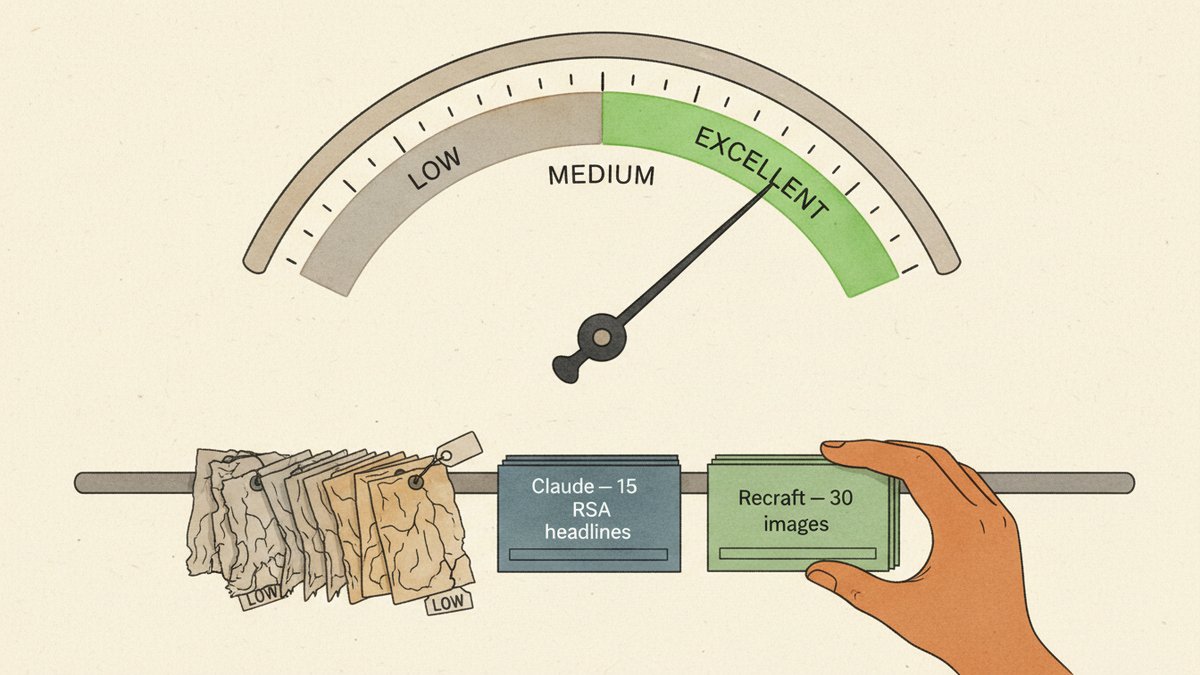
The asset report says "Excellent." The campaign is bleeding money. Both things are true at the same time, and that is the part that always catches people out.
Run Performance Max (PMax) long enough and you will see this pattern: full green bars on Asset Strength, ROAS sliding for the third week running, and when you finally drill into the asset details you find half a dozen creatives flagged "Low" that have been sitting there for three months because nobody had time to swap them out. Asset Strength is a check on how many assets you uploaded and how varied they are. It is not a check on whether they still work.
Here is the 90-minute pipeline I run on a stale PMax asset group. Pull the Lows, regenerate the text with Claude, regenerate the images in Recraft, ship through Google Ads Editor. End-to-end, no design team, no copywriter on call.
Step 1 — Pull the corpses
Open the campaign, click into the Asset Group, open the Combinations view. Filter performance rating to "Low" and sort by impressions descending. You want the Lows that have actually been served — Google has decided those don't work, not the rookies that never got an impression.
Export the headline and description text to a CSV. Note the categories too: which Lows are headlines, which are descriptions, and inside the image set, which sizes are weakest (landscape, square, or portrait).
On a typical PMax asset group you will find 4 to 6 Low headlines, 1 to 2 Low descriptions, and 6 to 10 Low images out of the 20 you originally uploaded. That is your refresh target. Do not touch the Goods or Bests — they are propping the campaign up while the bad ones drag it down.
Step 2 — Claude writes 15 RSA headlines and 4 descriptions
PMax inherits a lot from Responsive Search Ad (RSA) mechanics: up to 15 headlines at 30 characters each, up to 4 descriptions at 90 characters each, mixed at serve time. The prompt has to bake the character limit in, otherwise Claude will cheerfully hand you 35-character headlines that you then have to trim by hand.
This is the prompt I use. Paste your Low assets into the placeholders.
You are a paid search copywriter. Generate 15 RSA headlines and 4 descriptions
for this product.

Hard constraints:
- Headlines: ≤30 characters EACH, including spaces and punctuation. Count,
  don't guess. If you write 30, count again.
- Descriptions: ≤90 characters EACH.
- No emoji, no ALL-CAPS words, no "click here", no "best" (Google trademark
  policy will reject it for some queries).
- Each headline must work as the FIRST headline shown. No dependencies on the
  one before it.

Product:
Audience:
Existing top performer to match in tone (do NOT duplicate):
Old headlines that flopped (do NOT repeat the angle):

Across the 15, cover ALL of these angles. Vary them, don't stack on one:
1. Direct benefit (3 headlines)
2. Price or offer (3 headlines)
3. Social proof / outcome stat (3 headlines)
4. Use case / occasion (3 headlines)
5. Brand or product name (3 headlines)

For the 4 descriptions: each must stand alone. Lead with the benefit, mention
one differentiator, close with a soft CTA.

Return as a numbered list with the character count after each line in [brackets].
The character-count-in-brackets trick is the one thing that reliably stops the over-30 problem. If a line still violates, paste it back with "rewrite, ≤30 chars" and you usually get it on the second try.
Two pinning rules when you upload to Google Ads:
- Pin one brand-name headline to position 1 so the brand always appears first. Helps quality score and trademark policy.
- Pin nothing in position 2 or 3. Let Google mix. Over-pinning kills the whole point of an RSA — the machine cannot test combinations if you have nailed them in place.
Step 3 — Recraft generates 30 image variants in two visual styles
PMax wants 20 images per asset group across three aspect ratios — landscape (1.91:1), square (1:1), portrait (4:5). I generate 30 candidates so there is something to throw away, because at least one image in every batch will have an extra finger, drifting brand colors, or a logo that has slowly turned into letterforms from another planet.
I pick two visual styles for a refresh (three if I have budget). Not five. The point is to A/B test style, not chaos. A pairing that has worked well for an e-commerce client of mine: a "studio photorealism" set (product on a neutral seamless background) and a "lifestyle illustration" set (clean line-art figures using the product). They are visibly different, so the asset report after 14 days will actually tell you which mood the audience prefers, instead of "all your images perform about the same."
The Recraft workflow:
- Upload 5 to 8 reference images of your existing best-performing creatives into Recraft's Style feature. It builds a reusable custom style from them. This is the step that keeps the output on-brand — without it, every generation looks like generic AI stock.
- Generate 15 images per style, requesting all three aspect ratios in the prompt. Recraft's set generation produces variations from a single prompt, which is faster than re-prompting 15 times.
- Open each image in Recraft's editor and use inpaint to fix small issues — a weird hand, off-brand text on a package, wrong color on a button. Do not regenerate from scratch for a 5-second fix. Inpaint costs you about 10% of a fresh generation in credits.
- Export at 1200×628 (landscape), 1080×1080 (square), 960×1200 (portrait). Name files as
<asset-group>_<style>_<size>_01.jpg. The naming convention matters in Step 4.
Recraft's $10/month Basic plan covers a refresh of this size comfortably. The brand-style feature is on every paid tier.
Step 4 — Bulk-ship via Google Ads Editor
Google Ads Editor is the only sane way to bulk-upload PMax assets. The web UI is still one-click-per-image in 2025, which is unbearable past about five images.
Download the campaign in Editor, open the asset group, paste the new headlines and descriptions into the text columns, drag the renamed image files into the image column. Editor assigns them to the correct slots by filename if you used the convention from Step 3.
One critical detail: post the new assets and let them run next to the existing Good and Best ones for 14 days. Do not delete the Lows yet. PMax recalculates its ratings against the new pool, and if you remove the old assets first you have erased the baseline that Google is comparing against. Wait 14 days, then archive the assets still rated Low.
What the score is actually telling you
Most PMax campaigns decay slowly, not because targeting broke or bid strategy went sideways, but because "Excellent" asset strength tricks the team into thinking nothing needs to change. The score is a measure of upload completeness — did you fill the slots, are the assets varied enough — not creative health. A monthly 90-minute refresh, where you accept that half the new assets will also turn into Lows, beats six months of untouched green bars every time. Put it on the calendar.