Mine People Also Ask with Perplexity + NotebookLM in 15 Minutes
Contents
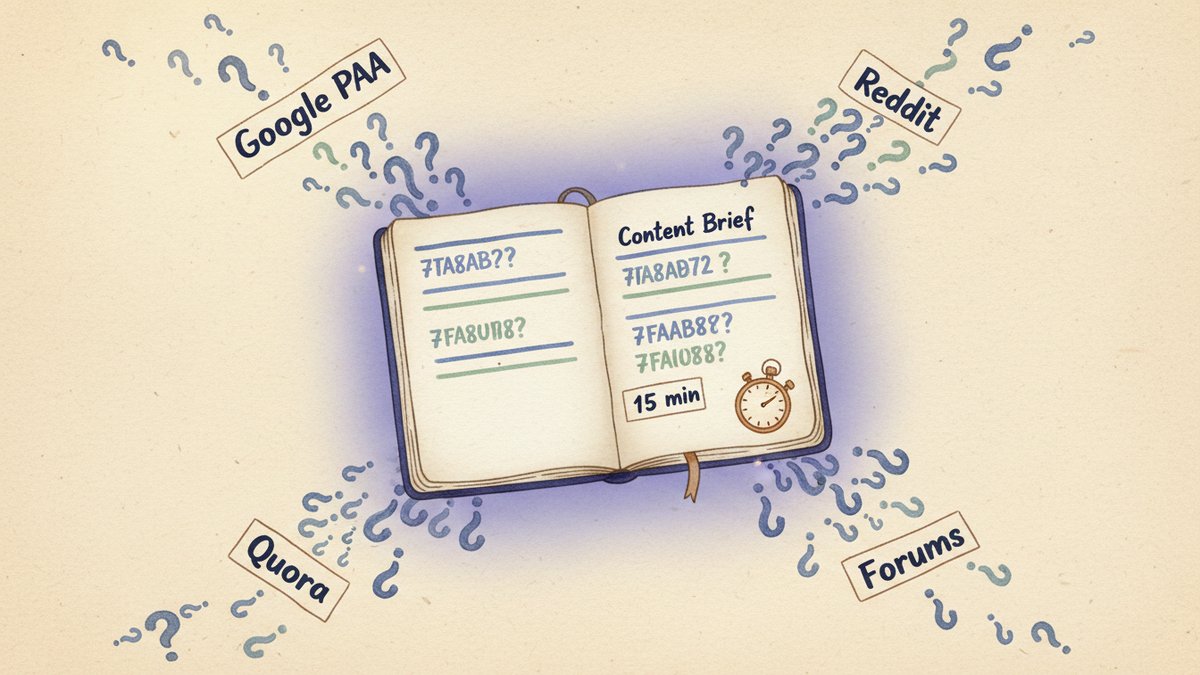
Google's PAA (People Also Ask) box shows you six to eight questions. The total PAA universe for any topic contains dozens, sometimes hundreds — and most of them aren't on Google at all. They live in Reddit threads, Quora answers, niche forums, and the comment sections of the top-ranking pages. If you're only mining the PAA box, you're working with maybe 10% of the actual questions your audience is asking.
I used to spend an entire afternoon pulling questions from a dozen sources by hand. Now I do the same job in 15 minutes with Perplexity and NotebookLM. Here's the exact workflow I ran last Tuesday for a client in the B2B SaaS space — copy it, adjust the seed topic, and you're done.
The 15-minute workflow
Step 1 — Define a tight seed (60 seconds)
"People Also Ask" is a search feature, so the seed is a search query, not a topic. The tighter the query, the better the PAA mine.
For a B2B SaaS client last week, the seed was: "how to reduce SaaS churn rate". Not "churn" (too broad), not "customer retention for B2B" (too soft). The query I would actually type into Google — including the verb.
Write down 2-3 seed queries before you start. They become the spine of your source document later.
Step 2 — Pull questions from Perplexity in 4 directions (6 minutes)
Perplexity's strength over Google for this job is synthesis across sources. Google's PAA is one source (Google). Perplexity can pull from Reddit, Quora, industry blogs, G2 reviews, LinkedIn discussions — all in one prompt.
Run four separate searches, one per angle, with Pro Search turned on:
- The "real questions" angle — paste your seed and add: "List the actual questions people ask about [seed]. Include variations and the way the same question gets re-phrased. Cite Reddit, Quora, and forums explicitly."
- The "objections and confusions" angle — "What are the most common misconceptions, mistakes, and confused assumptions people have about [seed]? Quote real forum threads."
- The "comparison" angle — "What tools, methods, or alternatives do people compare when discussing [seed]? List the X vs Y questions."
- The "adjacent" angle — "What do people ask right before and right after learning about [seed]? What are the upstream and downstream questions?"
Each search returns 15-30 questions with citations. You're looking for the questions that get asked in 3+ different sources — those are the ones Google will eventually pick up. Save each result as a separate page in a single Google Doc.
The "adjacent" angle is the one most people skip, and it's the most valuable. The questions just before your seed topic are gold for content clusters and interlinking.
Step 3 — Drop the document into NotebookLM (2 minutes)
This is where the magic compounds. Create a new notebook in NotebookLM, then upload the Google Doc as your single source. NotebookLM is now grounded in your curated PAA corpus — it can answer questions, find patterns, and generate summaries without inventing anything outside the document.
Three things NotebookLM does exceptionally well on a PAA corpus:
- Frequency analysis — ask it "Which questions appear most often across the source?" It returns the questions that recur in multiple search results.
- Intent grouping — "Group these questions by the underlying intent: someone trying to decide, someone trying to learn, someone trying to fix a problem, someone comparing options."
- Gap detection — "What questions are NOT in this source that someone researching [seed] would probably ask?" The "not in source" part is important — NotebookLM will say it cannot find it, but the attempt often surfaces adjacent questions you missed.
The "not in source" prompt is the trick. NotebookLM is designed to refuse to invent, so it says "I cannot find this in the source." That refusal is the answer — those are your content gaps.
Step 4 — Turn the output into a content brief (5 minutes)
By minute 12 you have:
- A clean list of 80-150 questions, deduplicated
- Intent groupings
- A list of gaps
Drop the notebook's output into your content brief template. The H2/H3 structure writes itself — each H2 is a major question group, each H3 is a specific question. The brief is now genuinely question-driven, not just "keyword in the title."
For my B2B client, the brief that came out had 9 H2 sections and 31 H3 sub-questions. The writer finished the draft in 3 days instead of the usual 7.
What to watch out for
- Don't skip the human pass. I caught two questions in the last brief that were factually wrong — Perplexity had pulled them from a low-quality forum thread, and NotebookLM faithfully passed them through. AI inherits the bias of its sources.
- Set a question cap. I usually cap the brief at 25-35 H3s. Beyond that, you stop writing a useful article and start writing an encyclopedia entry. Better to ship 30 great answers than 80 mediocre ones.
- Track the questions that didn't make the cut. I keep a running "PAA backlog" doc for each client. Those off-brief questions become cluster posts, comparison pages, and newsletter content over the next 6 months.
The PAA box on Google is fine for a quick scan. The PAA universe is what actually shapes what your audience wants to read. Fifteen minutes, two tools, and a tighter brief than you'll get from any keyword tool's "content gap" feature.