Seedream 5.0 Pro for Marketers: 6 Creative Jobs I'd Hand It Today, and 2 I'd Hand Back
Contents
I shipped 60 ad creatives in one morning this week. None of them were photographable. None of them needed a shoot. Twenty-six of them I would have paid a freelancer $120 each for a year ago. That is the line Seedream 5.0 Pro moved for me this quarter.
What it actually is
A short tour, not a manual. Seedream 5.0 Pro is ByteDance's flagship multimodal image-generation model, sibling to the Seedance (video) and Seededit (image-edit) lines. Where older image models treated the prompt as a final instruction, Seedream reasons over it first — what people in AI have started calling the "inference-time compute" pattern, the same idea behind thinking models like o1, but applied to pixels.
The capabilities that matter most for marketing, plainly:
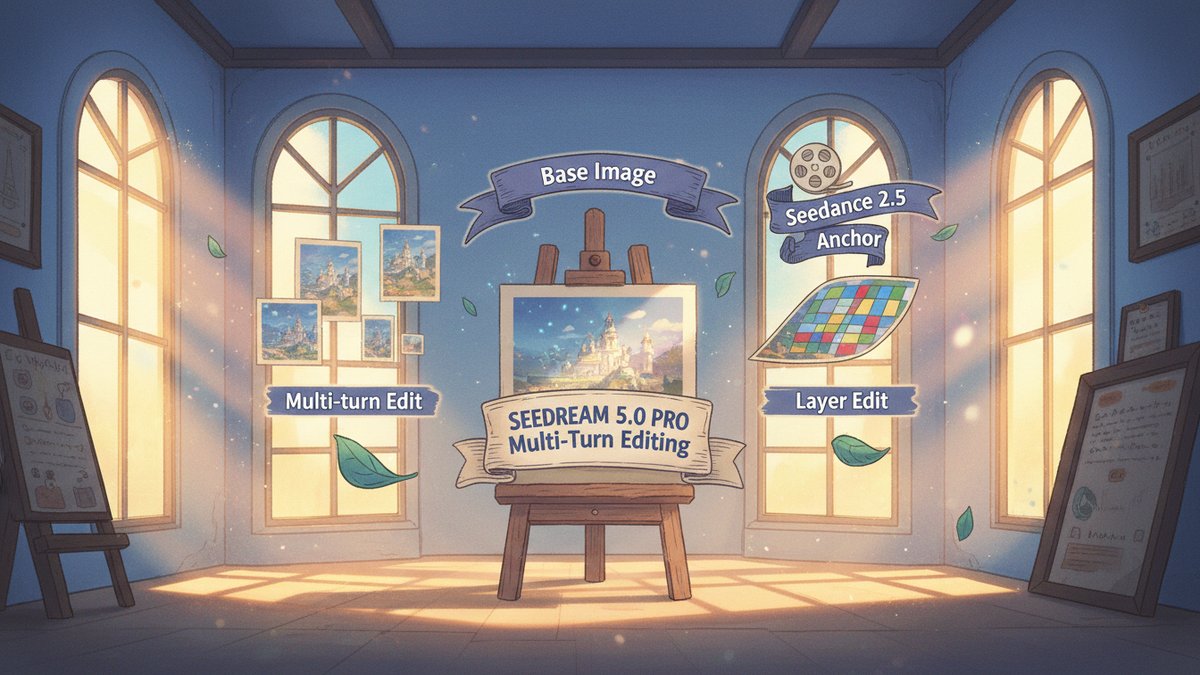
- Multi-turn conversational editing. Generate, then say "same image, swap the third product from a yellow mug to a red kettle" — and it does, without re-rolling everything else. This is the single biggest unlock for production creative. The earlier workflow was generate-100-and-pick. The new one is generate-once-and-talk-it-into-the-right-shot.
- Better text rendering. Multi-lingual layouts and dense infographics — the kind of stuff that used to spell "BUY NOW $9.99" as gibberish — now render reliably enough to ship on a homepage banner after a proofread.
- Layer-style editing on Pro. Addressable components instead of a flat render. Select one element and modify it independently. Swap a product, change a label, recolor the background — without regenerating the whole image.
- Reference-grade character/product anchoring. Up to 50 input references can seed Seedance 2.5 video generation, so the same product stays consistent across a multi-shot product video. This is the bridge from "a still you like" to "a campaign video that doesn't drift."
- Up to 4K output and "deep thinking" reasoning before pixels — the model thinks about the brief before rendering.
- Real-time web search RAG (retrieval-augmented generation) so the model can pull current product info before generating — but with a known reliability caveat on nuanced factual distinctions.
You can use it through CapCut (free tier — 20 generations to start), the Xiaoyunque brand inside ByteDance (Jimeng AI in English), Doubao, HailuoAI, or directly through the BytePlus API for production volume. The CapCut pricing comparison is "comparable with Nano Banana Pro and cheaper" — CapCut's own claim, so read with a half-shrug, but corroborated by side-by-side tests I've seen.
The 6 jobs I'd hand Seedream 5.0 Pro today
1. Multi-lingual ad creative for parallel regional launches. A 12-region product launch used to mean either 12 shoots or 12 photoshop rounds. Now: one base composition, then "translate all text to Mandarin, keep everything else identical." Multi-lingual text rendering finally makes this shippable.
2. E-commerce catalog variants from a single product shot. You already have one good photograph. You need it on a marble countertop, in a woodsy picnic setting, at a sunset wedding, in a dark studio. Each shot used to commission a photographer; now it's "same product, this environment, same angle, different background." The product-layer editing makes it stay the product.
3. Packaging mockups for line-extension reviews. Three new SKUs (Stock Keeping Units, 库存单位), eleven colorways each, sent for internal review by Friday. Skip the studio. Generate, edit labels per region, export.
4. Webinar and explainer visual assets. Custom diagrams, illustrations, "explainer hero" images that used to mean hiring a designer with a one-week minimum. Iterate during the call.
5. Catalog reference frames for product video. This is the one that is easy to miss. Feed Seedance 2.5 the Seedream-generated still as a 50-reference anchor and the resulting video clip actually keeps the product consistent across pans and zooms — solving the most common AI-video complaint.
6. Background and prop imagery for composites. For the PMax asset refresh pipeline I covered earlier, the bottleneck is usually the asset images themselves. Layer-edit one good image into the 30 you actually need.
The 2 I'd hand back
1. Final brand campaign hero art. Anything where the visual IS the brand voice — flagship campaign art, the relaunch cover, the "if you only see one image from us this year" image. AI tools in 2026 are very good and not yet great; "very good" is fine for working assets, not fine for the single shot you spent six months behind. Use a human artist, or finish a Seedream draft in Photoshop.
2. Anything where factual accuracy in the visual matters. The web-search RAG can fail on nuanced factual distinctions (the model's own team says so). That makes it unsafe for technical diagrams, comparison charts, "here's how our product works" infographics where a wrong label becomes a future customer-support ticket. Use it for art, not for facts.
The honest comparison vs my usual go-tos
I keep three tools in rotation for marketing creative. Where Seedream 5.0 Pro fits this quarter:
| Job | Nano Banana (Gemini) | Midjourney V8 | Seedream 5.0 Pro |
|---|---|---|---|
| Photoreal product shots | Strong | Strongest | Strong, with layer-edit edge |
| Multi-lingual text in image | Mediocre | Mediocre | Best-in-class |
| Multi-shot consistency for video | Requires Rube Goldberg setup | Single-frame only | Native via Seedance 2.5 anchoring |
| Layer-editable source | No | No (yet) | Yes (Pro tier) |
| Pipeline price | Mid | High (per-image credits) | Lower with CapCut, comparable via BytePlus API |
| Best for | Quick social variants | Standalone art | Production campaigns with text and product |
The simple version: when the image needs to carry text correctly, when it needs to slot into a multi-shot video, or when the campaign needs me to swap one product across 30 backgrounds, Seedream jumps to the top of the rotation.
A 5-step afternoon workflow
- Pull the product image(s) and the brief. Hand them to CapCut's Seedream integration or the BytePlus API.
- Generate 8 base frames. Pick one. The model does deep thinking between prompt and pixels — give it an honest brief, not a 30-word over-fit prompt.
- Use multi-turn edits to fix anything off-brand: product color, label copy, background mood, language. Log the best version.
- Run the still through Seedance 2.5 as a reference anchor; generate one 6-second product clip per SKU.
- Ship one base image + its edits per region, plus the matching short video. Hold the "hero" image for the human team.
Where I land
Seedream 5.0 Pro is the first image model I have used this year that goes from "AI can rough out the concept" to "AI can carry the production line" without a human in the loop on every step. The layer-editing win is the under-reported one — it collapses the Photoshop round-trip into a chat. The text-rendering win is the one most marketers will feel first. And the Seedance 2.5 reference anchoring quietly fixes the most embarrassing AI-video problem (drift) for any team already running product video.
But "production-ready for working assets" is not the same as "replacement for a great visual artist on the brand campaign." That line still exists; pretending it doesn't is the move that gets a marketing team a beautiful but generic creative program. Hand it the working assets you used to spend half your week producing, and hand back the campaign hero. The split is the same one I'd draw for Nano Banana or GPT Image 2: production creative yes, brand flagship no. (And for video, my Seedance 2.5 hands-on still holds up — it is the model sitting across the table from Seedream for the next phase of this stack.)