OpenAI Operator: I Scraped 20 Competitor Landing Pages in One Afternoon
Contents
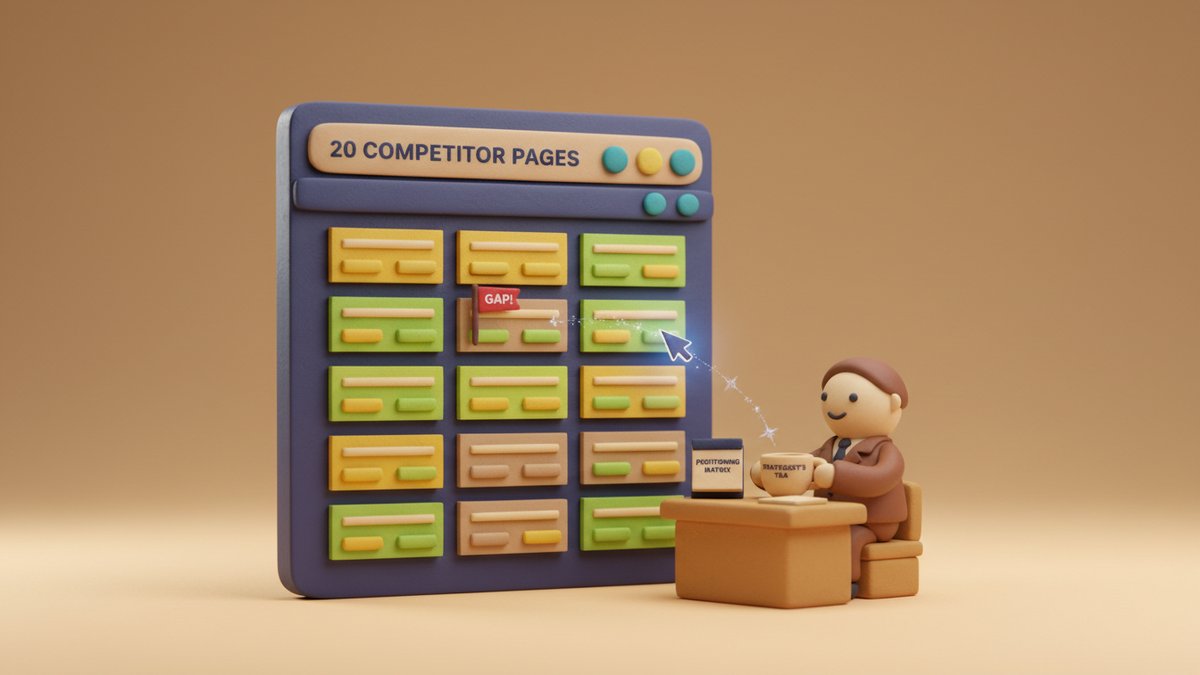
By 4:47 PM last Tuesday I had a wall of 20 competitor landing pages open in tabs, a one-page positioning matrix (定位图谱) on the second screen, and a stack of patterns I could hand to a copywriter the next morning. Total time spent at the keyboard: about three hours. Total time I would have spent doing the same job a year ago: somewhere between a week and never-finishing-it.
The thing that did the heavy lifting wasn't a clever scraping script. It was OpenAI Operator, the browser agent OpenAI released in late January 2025. It opens pages, reads what's on them, clicks through pricing tabs, and writes structured notes — and you can keep working on something else while it runs.
Here's the workflow I used, end to end.
The brief I gave Operator
Before opening Operator, I wrote a one-page brief. This matters more than the tool.
My brief had three parts:
- The list. 20 URLs. I pulled them from three sources: the Google ads that surfaced for my target keywords, the "alternatives to" pages on G2 and Capterra, and a manual sweep of who keeps showing up in my LinkedIn DMs. I avoided brand-name whales and skewed toward companies in the $5M–$50M ARR range — closer to my client's positioning sweet spot.
- The schema. I told Operator exactly what to extract from each page, in this order: company name, primary headline (the H1, not the H2), the value proposition stated in the sub-headline, the three most prominent benefit bullets, the primary CTA (call-to-action) verb, the pricing model mentioned above the fold, and one "objection-handling line" (the line that pre-empts the buyer's main doubt). I deliberately capped it at seven fields. More than that and the model starts hallucinating, especially on dense SaaS pages.
- The output format. A markdown table, one row per company, columns in the same order as the schema. No prose. Operator's tendency to write a paragraph when you ask for a table is real — you have to forbid prose explicitly.
That's it. No clever system prompt, no chain-of-thought instructions. The brief is the work.
The Operator run
I used Operator inside the ChatGPT Pro app (the US-only rollout at the time). The session looked like this:
I typed something close to: "Visit each URL on this list. For each one, extract the seven fields in the schema I gave you. Output as a single markdown table. Do not summarize, do not add commentary. If a field is missing on the page, write 'absent' rather than guess."
Then I pasted the list and the schema. Hit enter. Went to make tea.
Operator handled 20 pages in roughly 28 minutes, including the time it spent waiting for slow marketing sites. Two pages threw bot-detection walls (Cloudflare's "verify you're human" interstitial) — Operator stopped and asked me to take over. I solved the two CAPTCHAs manually, told it to continue, and it picked back up. That's a feature, not a bug, in the current state of the art. Browser agents that try to defeat CAPTCHAs end up getting the whole run blacklisted.
The output was a clean 20-row table. Five of the 20 sub-headlines were truncated or paraphrased — I'd later re-visit those pages to verify. The other 15 were usable as-is.
From raw extraction to positioning patterns
A table of 20 rows is not a strategy document. It's a pile of evidence. The work that matters is the next step.
I copied the table into a new ChatGPT conversation (Operator's output, not Operator itself — I wanted a clean context window) and asked three follow-up questions, in order:
Question 1: Cluster the headlines. I asked for the 20 headlines grouped by the job the customer is hiring the product to do (Clayton Christensen's "Jobs to Be Done" framework, if you want the theory). The model produced five clusters, named them ("Replace a manual process," "Be faster than competitors," "Compliance and audit," etc.), and listed which competitors sat in each. This is the moment the table becomes useful — you can see, at a glance, that six of your twenty competitors are fighting over the same "be faster" claim.
Question 2: Pull the pattern phrases. I asked for the three most common grammatical patterns in the sub-headlines. The model returned: noun-phrase promises ("X for Y"), "stop doing Z" reframes, and outcome-with-timeframe ("Get X in Y minutes"). With this, I know which syntactic shapes the category has already exhausted. If every competitor is using "Stop doing X" headlines and I'm about to write one, I should probably pick a different shape.
Question 3: Spot the gaps. I asked: "Looking at the seven fields across all 20 rows, what positioning angles is nobody taking?" This is the question that actually pays the rent. The model flagged three: nobody on the list had a clear "for non-technical teams" angle, the pricing models were universally per-seat with no usage-based option, and the objection-handling lines were all about security — none addressed switching cost. That last gap became the headline of my client's new landing page.
I want to pause on the third question, because it's the one most marketers skip. They stop at the table. The table is the data. The patterns are the analysis. The gaps are the strategy. If you only have time for one of the three, do the third.
What Operator got wrong
To be useful in a pitch, I have to be honest about the limits.
- Dynamic content misses. Three of the 20 sites used heavy client-side rendering with lazy-loaded pricing tables. Operator captured whatever was visible at the time of visit, which on those three sites was the hero and not much else. For those, I had to re-run with a specific instruction to "scroll to the bottom and wait for the pricing section to load before extracting."
- Visual claims get read as text. Operator reads the page; it doesn't see the design. If a competitor's "free trial" CTA is a 200px-tall orange button while everyone else's is a small text link, Operator doesn't know. For visual positioning, you still need to screenshot the pages and look at them yourself. I keep a folder of 20 full-page PNGs alongside the table for this reason.
- Localization is blind. If your competitor runs different copy in different geographies, Operator will only see the version it lands on. I run US-targeted briefs from a US IP, which mostly solves this, but it's a real edge case for global brands.
None of these limits are deal-breakers. They're the difference between "Operator does it all" and "Operator does the boring 80% so I can spend my time on the interesting 20%." That's the honest version of the value proposition.
What I'd do differently next time
Two small changes for the next run.
First, I'd add an eighth field: the image alt text of the hero image. Alt text is the most honest description of what a company wants you to think their product is. It's almost never optimized for SEO, so it's not stuffed with keywords — it usually tells you, in plain language, what the product does. I've been adding this to my briefs ever since.
Second, I'd run the same brief twice, two weeks apart, on the same list. Pages change. Headlines rotate. The "be faster than competitors" cluster might lose two members because a competitor rewrote their home page. Watching positioning move over time is more useful than a single snapshot, and Operator's whole pitch is that the marginal cost of a second run is low.
A note on cost
Operator is included in ChatGPT Pro ($200/month at the time of writing). For the work I described — 20 pages, three follow-up analyses — the marginal cost is essentially zero. If you're on Plus or Team, Operator access is rolling out through 2025; check OpenAI's release notes. The alternative — a junior analyst spending a week on the same job — costs more in salary than the entire annual subscription, even before you account for the fact that the analyst would have missed the alt-text trick.
The tool doesn't replace thinking. It replaces the part of the job that's mostly typing and clicking, which turns out to be most of it.