NotebookLM for marketing research: turn 50 competitor PDFs, G2 reviews, and analyst reports into a queryable brain
Contents
Last Tuesday, 4 PM, I had a competitive landscape briefing due at 9 AM the next morning. Forty-seven PDFs sitting in a folder: a stack of competitor whitepapers, an IDC analyst report, a Forrester Wave I'd been ignoring for three months, and 200+ G2 reviews exported as one giant PDF because the free tier won't let me sort them. My old workflow would have been skim for two hours, copy-paste quotes into a Google Doc, type up something that sounded smart, ship it.
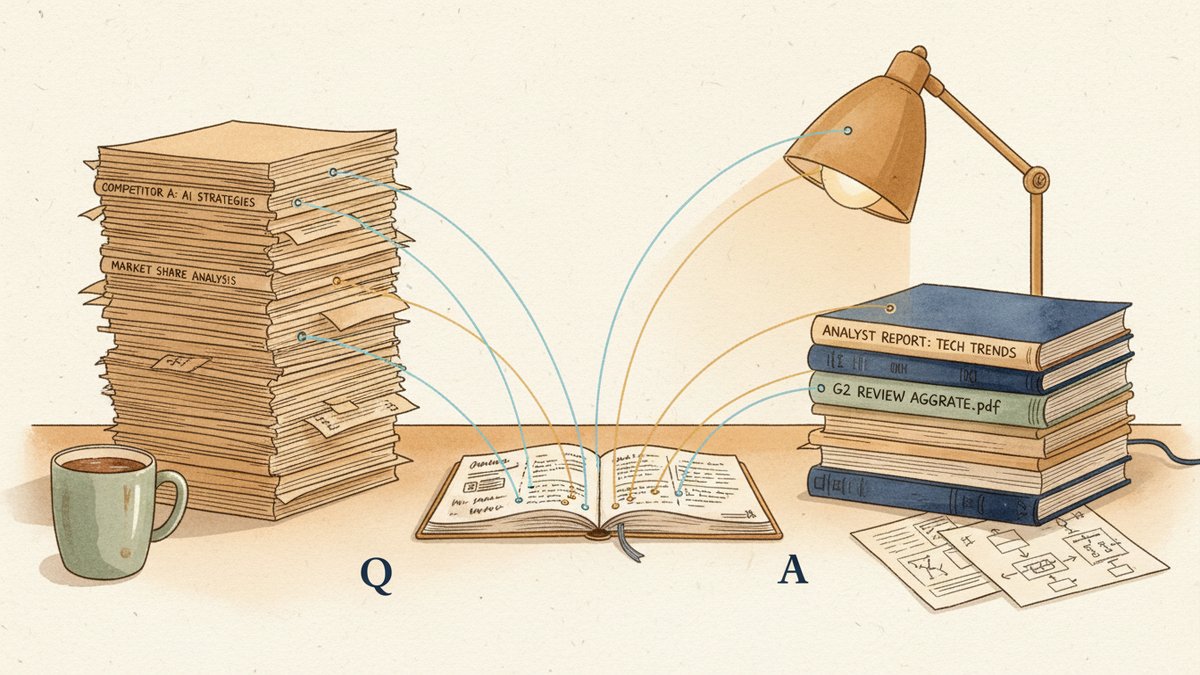
I uploaded them all to NotebookLM (Google's free AI notebook tool) and asked it to write the briefing. Six minutes later, I had a draft that cited the actual sources, in their actual words, with inline links back to the right PDF pages. I edited it for 30 minutes, added the things only I knew, and submitted at 7:40 PM.
That was the moment NotebookLM stopped being a curiosity and became infrastructure.
Why "source-grounded" matters for marketing research
Most AI tools — ChatGPT, Claude, Gemini — will happily answer your question about a competitor by inventing plausible-sounding claims. Useful for some jobs; a lawsuit waiting to happen for ours.
NotebookLM takes a different approach: it only answers based on the sources you upload. PDFs, Google Docs, websites, YouTube URLs, copied text — all of it gets pulled into a single "notebook" with up to 50 sources. Every answer comes with citations that link back to the source. If a competitor's whitepaper claims "industry-leading ROI (return on investment, 投资回报率) of 340%," the citation takes you to page 14.
For marketing research, that's the difference between an AI that helps you sound smart and one that helps you be accurate. The catch: if the source doesn't say it, NotebookLM won't say it. Sometimes the right answer is "none of my sources address this, you need a primary interview" — listen when it tells you that.
The setup: 10 minutes that save 10 hours
Here's the exact workflow I run for any competitive landscape piece. Total time: about 10 minutes of setup, 5–10 minutes of querying, plus whatever I need for the actual write-up.
Step 1 — Collect, don't curate (yet)
Create a folder called [topic]-research-raw and dump everything in. Don't read, don't sort, don't delete. I want:
- Competitor whitepapers, case studies, product one-pagers (PDF)
- Analyst reports — Forrester, Gartner, IDC, G2 Grid, Capterra shortlists
- G2 / Capterra / TrustRadius reviews — exported as PDF (the G2 export-to-PDF trick is the single most useful time-saver in this workflow; the free tier will dump every review of a product into one PDF, ugly but complete)
- Customer interview transcripts if you have them
- Sales call recordings (most CRMs will export the transcript as a PDF or Doc)
- Public blog posts and press releases (paste into a Google Doc if the URL is annoying to ingest)
- Your own internal notes from previous research on the topic
The messier this folder, the better. Goal is comprehensive, not tidy.
Step 2 — Clean only what NotebookLM will choke on
Two cleanup moves actually matter:
- G2 review dumps usually have 30+ pages of UI noise — header banners, sidebar text, "verified buyer" badges repeated a hundred times. Open the PDF, delete those pages in your editor, save. You're not losing insights; you're saving tokens.
- Combine tiny files into a single PDF. If you have 12 one-page case studies from a competitor, merge them. NotebookLM counts each file as one source, and a notebook holds 50. Don't waste source slots on half-page flyers.
That's it. Don't over-clean. NotebookLM handles 200-page analyst reports fine.
Step 3 — Build the notebook
Go to notebooklm.google.com, create a new notebook named after the topic, and start uploading. The 50-source cap sounds restrictive until you realize: that's 50 carefully chosen files, not 50 random pages. If you hit the cap, you have too much research, not a tool problem.
Pro move: use the website URL source for any competitor homepage, pricing page, or product page. NotebookLM will fetch and ingest the live page, so when you ask "what's on their pricing page right now," it's not citing 2023.
Step 4 — Pin a research brief as your first source
Before you start querying, paste this into a new Google Doc and upload it as a source:
# Research goal
[What is this research for? E.g., "Q1 2025 competitive landscape
for our launch into the mid-market segment"]

# Key questions
- What are the top 3 competitors positioning for X?
- What pain points do their customers mention in reviews?
- What pricing tiers do they offer?
- What features do they lead with vs. follow with?
- What's the one thing they all say, that we should NOT say?

# Constraints
- Cite the source for every claim.
- Flag anything that contradicts across sources.
- Highlight quotes I can use verbatim in the final brief.
This is the trick. NotebookLM treats this brief as just another source, which means your queries naturally return answers shaped by your priorities, not generic summaries.
The 6 queries that actually return usable research
Most people open a new AI tool and ask "summarize this." That's the highest-mistake-rate query possible — you get a wall of bullet points you could've gotten from any tool. The queries that actually move the work forward are specific. Here are the six I run first, in order.
1. "Based on the G2 and Capterra reviews, what are the top 5 complaints customers have about [competitor]? Cite at least 3 reviews per complaint and quote the actual language."
This is the only query where I'd argue NotebookLM beats human reading. 200 G2 reviews is a slog; finding the recurring complaints in them is a research analyst's afternoon. NotebookLM does it in 30 seconds and quotes real customers.
2. "Compare how [competitor A], [competitor B], and [competitor C] position themselves. Use a table. For each: their target customer, their primary value prop, their proof point, and their main differentiator."
The table output is competitive research gold. The "proof point" column in particular — the specific thing each one leads with — is the kind of insight that's hard to derive by reading three PDFs sequentially.
3. "Across all sources, what claims are made about pricing? Where are the numbers specific, and where are they vague? Flag any places where a competitor claims 'lower TCO (total cost of ownership, 总拥有成本)' or 'better ROI' without providing the math."
This is the query that exposes marketing BS (bullshit — 营销话术里的水分). Vague ROI claims jump out instantly when you ask the AI to specifically look for vagueness.
4. "Find me 5 quotes I could use directly in a marketing brief. They should be specific, concrete, and ideally from a named customer or analyst, not generic platitudes. Include the source for each."
NotebookLM returns quotes that are already grounded in the source. No "as the AI mentioned earlier" — actual sentences, with a page number.
5. "What does [analyst firm] say about the top vendors in this space, and where do those vendors fall on the axes the analyst uses?"
Analyst reports are dense. This query compresses a 40-page Forrester Wave into a structured summary that follows that report's framework, not a generic one.
6. "Where do the sources disagree with each other? List 3 specific contradictions and which sources are involved."
This is the query I save for last, and it's the most valuable one. When a competitor's whitepaper says X and their G2 reviews say the opposite, that's the insight worth leading with.
The Audio Overview trick: 8 minutes of "listening to your research"
NotebookLM's most surprising feature — and the one I hear least about from marketers — is Audio Overview. Click the button and it generates a podcast-style conversation between two AI voices that discusses your sources. 8–12 minutes long. Sounds corny; works shockingly well.
I started treating Audio Overview as a "first listen" before I write. It surfaces angles I'd missed in my own reading, and it catches contradictions I skimmed over. The trick: when I don't have time to read a 60-page analyst report before a meeting, I generate the Audio Overview and listen on the walk over. The conversation is structured enough to be useful, casual enough that you don't need to take notes.
The AI hosts will sometimes make mistakes or hallucinate (生成看似合理但来源里没写的内容) — same source-grounded constraints as the chat, but with less precision. Treat it as a "first impression," not a final source. I always go back and verify any specific number or quote I want to use.
What to watch out for
Three things have bitten me.
- Sources over 200K words each. NotebookLM will accept them, but query quality drops. If you have a 600-page analyst report, split it into the executive summary + relevant sections and upload those as separate sources.
- Paywalled or login-only content. NotebookLM can ingest a URL, but if the URL requires a login, it can't see the content. Use the PDF you downloaded (or the Google Doc you have) instead.
- "What does the market think" queries. NotebookLM has no opinion of its own. If you ask "is the market shifting toward X," it'll say so only if your sources said so. Sometimes the right answer is "none of my sources address this, you need to do a primary interview." Listen when it tells you that.
A different way to think about the tool
Most people treat NotebookLM as a smarter search engine. That's a fine mental model, and it'll get you 60% of the value. The bigger unlock is treating it as a colleague who's read everything in the folder — the one you can ask dumb questions, who never loses patience, and who always cites their work.
If you're a marketer, your unfair advantage over the AI is not "reading more PDFs than it can." It's knowing which questions to ask. The 50-source cap isn't a constraint — it's a forcing function to figure out what you actually need to know.
Next time you have 30 minutes and a folder of competitor PDFs, don't read them. Upload them, ask the six questions above, and see what comes back. You'll still write the brief yourself — but the brief you write will be the one a smart colleague who actually read everything wished they'd written.