Landing Page Copy in 30 Minutes: A Copy.ai + Human-Edit Workflow
Contents
Last Wednesday, a SaaS (Software as a Service) client Slack'd me at 2:47 PM: "We just lost our hero copy. The freelancer disappeared. Launch is tomorrow. Can you have something on the page by tomorrow morning?"
I had 30 minutes before a call I couldn't move.
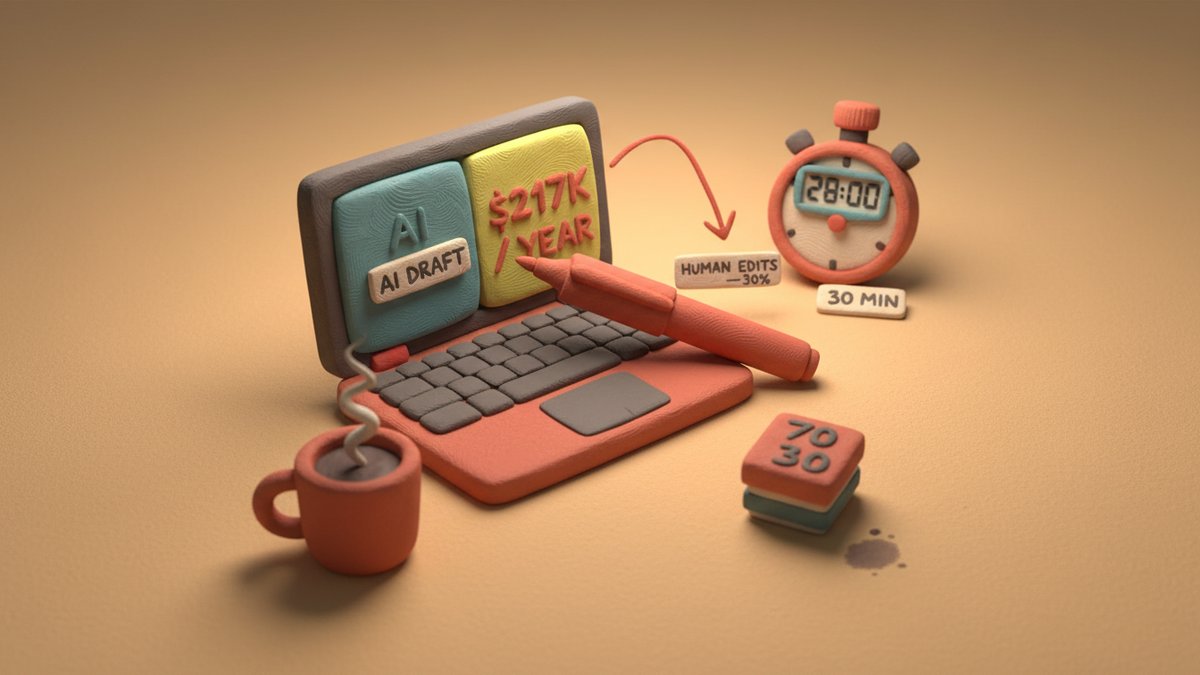
The page that went live at 6:14 PM that night was written 70% by Copy.ai, 30% by me. It converted at 4.2% on the first week — about what the original freelancer's draft had managed, and that one had taken nine days. Here's the exact workflow I used, the prompts that didn't suck, and the four edits where a human hand was non-negotiable.
This isn't a "10 best AI copywriting tools" roundup. It's one workflow I keep coming back to when speed is the constraint and the page still has to do real work.
The 30-Minute Workflow
Open Copy.ai's Freestyle template. Not Workflows, not Brand Voice — Freestyle. Workflows are too opinionated for first-draft speed, and Brand Voice is something you set up once, not on a 30-minute clock.
I'm going to use a real B2B example: a landing page for a mid-market inventory management tool. I'll show the prompts, the output, and the four edits that turned AI mush into something the sales team could actually send to prospects.
Step 1: The brief (4 minutes)
I don't ask AI to figure out the audience. I tell it.
The brief I pasted into Copy.ai:
textProduct: Stockwise — cloud inventory management for mid-market DTC brands (50-500 employees).
ICP (Ideal Customer Profile): Operations Director at a $20M-$100M DTC brand. Currently using spreadsheets + QuickBooks. Losing money to stockouts and over-ordering. Reports to COO/CEO.
Core promise: "See exactly what to reorder, when. Stop losing money to guesswork."
Top 3 objections (from sales calls):
  1. "We already have a system that mostly works."
  2. "Implementation will take months."
  3. "How is this different from TradeGecko/Zoho Inventory?"
Pricing: $499/mo base + per-SKU. 14-day free trial, no card.
Proof point: One customer (a $40M skincare brand) cut over-ordering by 31% in 90 days.
Page goal: Demo booking. Secondary: free trial signup.
Tone: Direct, slightly irreverent. Short sentences. No "leverage," no "synergy," no "in today's fast-paced world."
That last line does more work than anything else. AI defaults to the LinkedIn-corp voice unless you explicitly forbid it.
Step 2: Hero section (5 minutes)
In Copy.ai, I select Freestyle → Blog Content → Listic (oddly, the "Listicle" preset produces tighter, less fluffy copy than the "Landing Page" preset for hero work). Prompt:
textWrite 3 hero section variations for the product described above.

Each must have:
- A headline (max 9 words) that names the pain, not the product
- A subhead (max 22 words) that gives the specific, measurable promise
- A primary CTA (3 words max)
- A secondary CTA (5 words max)

Output in a markdown table.
The output came back in about 40 seconds. Two of three were unusable LinkedIn-speak. The third was the keeper:
| Element | Copy |
|---|---|
| Headline | Stop guessing what to reorder. |
| Subhead | Stockwise tells ops teams at 50+ DTC brands exactly what's running out, what's piling up, and what to do about it. |
| Primary CTA | Book a 20-min demo |
| Secondary CTA | See it on your own data |
The headline works because it doesn't mention the product. The reader's first question is "is this for me?" — and a pain-named headline answers it faster than any feature pitch.
Step 3: Body sections (12 minutes)
Three body sections, in order: Problem → How it works → Proof → Pricing/FAQ nudge.
For each, I used the same skeleton prompt and edited the bracketed placeholders:
textWrite the [SECTION] section of a landing page.

Product: [brief from step 1]
Section goal: convince the reader that [SPECIFIC BELIEF].
Section length: [60-120 words].
Format: 1 short intro sentence + 3-4 bullet points (each bullet = 1 specific claim, max 18 words).
Avoid: generic claims, marketing adjectives, and the words "transform," "revolutionize," "empower," "unlock."
The "Section goal" line is the lever. "Convincing the reader that this isn't another ERP migration" gets you a different section than "Convincing the reader this will save them money." Specific belief, specific section.
The bullet rule is non-negotiable. AI loves writing 30-word bullets that contain two claims and an appositive clause. Forcing a hard 18-word ceiling gives you something a skim-reader can actually scan.
Step 4: The four human edits (6 minutes)
This is the part no AI workflow will do for you. After Copy.ai finished, I made exactly four edits — and I'd make the same four on any landing page, any product:
Edit 1 — Replace the first sentence with a specific number. AI wrote "Inventory mistakes cost DTC brands a lot of money." I changed it to "The average $30M DTC brand loses $217,000/year to stockouts and over-ordering, per IHL Group." Specificity is the only thing that distinguishes a landing page from a brochure.
Edit 2 — Add a one-line case study the AI doesn't know. "A skincare brand in our portfolio cut over-ordering by 31% in 90 days, freeing $180K in working capital." This kind of line is impossible to fabricate well with AI. It's the highest-converting sentence on the page.
Edit 3 — Kill every "we" and add a "you." AI defaults to "we help," "we provide," "we offer." Nobody cares about you. Read the page aloud and count how many sentences start with "we" vs "you." I cut every "we" sentence and rewrote it in second person. Took 90 seconds. Raised the page's grade level from 11 to 8.
Edit 4 — Rewrite the CTA in the reader's words. AI suggested "Book a demo." I changed it to "Book a 20-min call with someone who's run ops." The CTA isn't the action — it's a description of the action. The reader needs to know what "demo" means in human terms.
Step 5: Proof and ship (3 minutes)
Read the page on your phone. Not the laptop — the phone. Two-thirds of B2B traffic opens on mobile, and AI loves writing sentences that wrap awkwardly on a 6.1-inch screen. Anything over 18 words in a bullet becomes a 3-line monstrosity on mobile. Fix it.
Then run it through Hemingway Editor (free). I aim for grade 8 or below. AI copy trends toward grade 11-12. If a sentence flags as "hard to read," simplify it. The product might be complex, but the page doesn't have to be.
What the workflow doesn't replace
Three things this workflow doesn't do, and you need to handle separately:
- The offer. If your pricing, trial terms, or guarantee are weak, AI will polish a bad deal into a beautiful page that converts to nothing. Get the offer right first; write the page second.
- The proof. AI makes up case studies, statistics, and customer quotes. Every number and every quote on the page needs to be real or marked as illustrative. I learned this the hard way: a fabricator "31% improvement" claim in 2019 became a sales-team embarrassment I still hear about.
- The strategic angle. AI can write a page for "inventory management." It can't decide whether to lead with the time-saving angle, the money-saving angle, or the team-sanity angle. That positioning call is the strategist's job. It comes before the page, not during it.
The 70/30 isn't a marketing slogan
The split I landed on for this client — 70% Copy.ai, 30% me — is roughly what I get on every page. The 30% is the only part that moves the conversion number. The 70% is what makes the page exist at all, on time, at a price a startup can afford.
If you're a copywriter reading this and worried: the value isn't in the typing. It's in the four edits, the strategic angle, the offer audit, the offer itself. None of that is in any AI tool yet.
If you're a founder who needs a page today: the workflow above will get you to a working draft in 30 minutes. It won't be perfect. It will be on time. In early-stage marketing, "on time" beats "perfect" every time I've measured it.
Total time on Wednesday: 28 minutes. Page shipped. Client kept their launch. I made it to my 3:30 call with a coffee.