Vibe coding for marketers: use Claude to generate landing page copy + 3 A/B variants (no developer needed)
Contents
It was 4:17 PM on a Tuesday. Our dev team was buried in a checkout refactor until Friday. The growth lead pinged me: "We need a new SaaS trial signup page live by Monday — can you at least get the copy locked?"
Two hours later I had a working HTML page in a Claude Artifacts window, with three different headlines, two subhead directions, and a CTA test matrix. Not a Figma. Not a Google Doc. A working, clickable page. The dev team pulled it into the production CMS the next morning.
I didn't write a line of code. I didn't even read the code. I described the vibe, and the LLM (Large Language Model, 大语言模型) shipped the rest.
That's what Andrej Karpathy meant in February 2025 when he coined vibe coding (氛围编程): "fully give in to the vibes, embrace exponentials, and forget that the code even exists." It was meant for engineers. But the technique — not the term — is exactly what marketers have been missing.
If you've ever stared at a Notion doc of bullet points waiting for engineering bandwidth, this is the workflow.
What vibe coding actually means for a non-developer
Strip away the hype and vibe coding is just three verbs on repeat: see → say → run.
- See a screen, a layout, a problem
- Say what's wrong or what you want, in plain English
- Run the output, look at it, and tell the AI what to change
You don't need an IDE (Integrated Development Environment, 集成开发环境). You don't need to know what HTML stands for. You need a Claude or ChatGPT account, a clear idea of what the page should do, and the patience to iterate like a director giving notes to a junior designer.
For marketers specifically, the win is speed. The bottleneck on most landing page tests isn't strategy — it's that someone has to "build the thing" before you can find out if the thing works. Vibe coding moves the build step from days to minutes.
The 6-step workflow I use
This is the exact sequence. I keep it in a Notion template; you can copy it as-is.
Step 1: Write the brief before you open Claude
Open a blank doc and answer five questions. Do not skip this — every minute here saves ten in iteration.
- Who is this for? Be specific. "B2B SaaS founders in seed-to-Series A" not "business people."
- What action do you want them to take? One action. Trial signup, demo request, ebook download.
- What does the page promise, in one sentence? Your value prop, compressed.
- What's the strongest objection? Price? Setup time? "Will this integrate with X?"
- What's the offer? Free trial, 14-day no-card, 30% off launch pricing.
The fifth question is the one most marketers underuse. A page without a specific offer is decoration. A page with a clear offer is a tool.
Step 2: Pick your vibe-coding environment
You have three realistic options today:
| Tool | What it does | Best for |
|---|---|---|
| Claude Artifacts (claude.ai) | Renders HTML/CSS/React in a side panel you can iterate on | Most marketers — zero setup |
| Cursor | Full IDE with AI woven into the editor | Power users who want to keep going past the prototype |
| Replit Agent | Generates a full app from a description, with hosting | Landing pages you want to publish as-is |
For 90% of marketing landing page work, Claude Artifacts is the answer. It produces a clickable page in the chat, you can see the HTML, and you can copy-paste the whole thing into a Google Doc, Figma, or your dev team's hands. No accounts, no installs.
Step 3: The first prompt — generate the scaffold
Here's the prompt I used for that Tuesday page. The structure is what matters; the specifics are yours to fill in.
Act as a senior conversion copywriter. Build a single-page landing page
for [product name]. It's a [category] for [audience]. The single action
is [CTA].

Tone: [3 adjectives, e.g. confident, technical, plainspoken]
Length: medium — 4 sections max above the fold (above-the-fold, 访客无需滚动就能看到的首屏内容)

Use these blocks in this order:
1. Hero with H1, subhead, primary CTA, secondary text link
2. "How it works" — 3 steps
3. One customer quote with attribution
4. Pricing summary (or "see full pricing" link)
5. FAQ — 4 questions addressing the strongest objection
6. Final CTA block

Output a complete HTML file with inline CSS. Use a clean system font stack.
Do not use placeholder lorem ipsum. Write real copy in the specified tone.
This prompt does three things worth noticing:
- It specifies the tone with three adjectives, not a paragraph. Adjectives are easier for the model to keep consistent across iterations.
- It names the block order. LLMs default to the most generic page structure possible. Naming the order is how you get the structure you actually want.
- It bans lorem ipsum. Without that line, you'll get placeholder text. Always.
Step 4: Iterate on the copy — this is where the real work is
The first output is fine. It's not good. Vibe coding isn't "ask once and ship." It's "ask, look, push back, look again." Treat the AI like a mid-level copywriter: their draft is the starting point, not the deliverable.
Useful follow-up prompts:
- "The hero subhead is too long. Cut it to 12 words max and make it concrete."
- "The 'How it works' section is generic. Replace each step with a verb + outcome pattern. 'Connect your data in 60 seconds' not 'Easy setup.'"
- "The FAQ answers are too soft. Make them more specific. If the objection is price, name a number."
- "Write 3 alternate H1s that lean into the strongest objection."
That last prompt is the A/B variant generator. With one instruction, you've created three test candidates for the most important line on the page.
Step 5: Generate A/B variants systematically
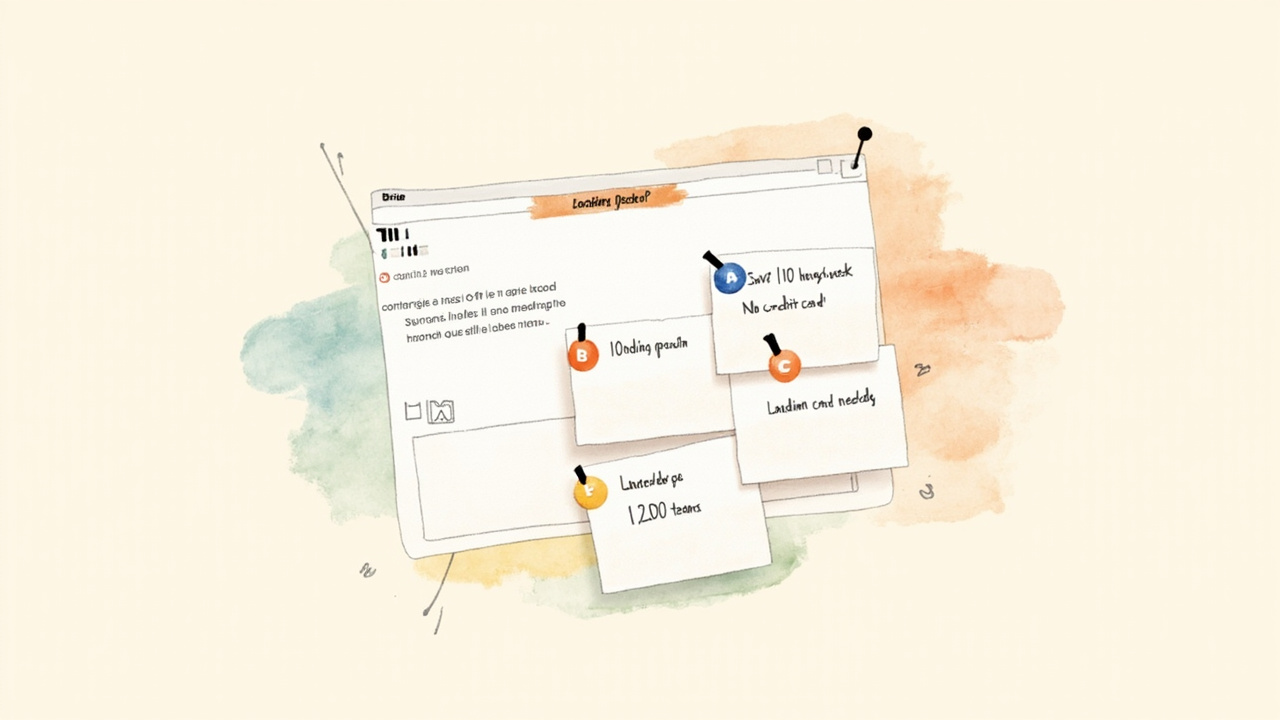
Once the base page is solid, ask Claude to create variants along specific dimensions. Don't just ask for "three versions" — that gives you three random pages. Ask along axes that actually move conversion.
Three axes that consistently move the needle:
- Headline angle — benefit-led vs. objection-led vs. social-proof-led
- CTA copy — "Start free trial" vs. "Get my free trial" vs. "See it work in 90 seconds"
- Hero media — product screenshot vs. customer quote vs. animated demo
Prompt:
Generate 3 alternate versions of the hero section. Same body, but vary
the H1 angle, subhead framing, and CTA copy. Label each variant
"Variant A — benefit-led", "Variant B — objection-led", "Variant C —
social proof". Keep the rest of the page identical.
This is genuinely useful for split testing (A/B 测试). Most teams run a "headline test" that doesn't isolate variables — they change the headline and accidentally change the subhead and the CTA. This prompt holds everything else constant.
For deeper variant testing, I sometimes generate a small copy matrix:
| Position | Variant A | Variant B | Variant C |
|---|---|---|---|
| H1 | benefit-led | objection-led | proof-led |
| Subhead | features | outcomes | testimonial |
| CTA | action | ownership | speed |
Ship A vs. B for the headline, A vs. B for the CTA, sequentially. Two clean tests beat one noisy "new page" test every time.
Step 6: Hand off to engineering
This is the part most marketers skip, and it's the part that decides whether your work ships or dies in Slack.
Write a one-page handoff doc with:
- The Claude Artifact link (engineers can copy the HTML)
- A short list of what should NOT change (brand colors, font, legal footer)
- A short list of what WILL change in production (responsive breakpoints, analytics events, accessibility pass)
- A link to the production CMS template you're using
- A rough test plan — which variant runs first, what the success metric is
Engineers will still build the production version, but they'll build it in hours, not days, because every decision is already made.
What vibe coding is bad at
Three things, all worth knowing up front:
- Production-grade responsiveness. The HTML Claude generates looks great at 1440px wide. At 375px on a Pixel 6, you'll see layout bugs. Don't ship it as-is on mobile. Use it as a reference, not a deploy.
- Accessibility. The output skips ARIA labels, alt text discipline, focus states. Tell the AI to include them and review the output, but budget a real accessibility pass for anything that goes live.
- Anything legally binding. Pricing, terms, medical claims, financial figures. Treat all numbers and claims in AI output as drafts to be verified by a human before they hit a real page.
Vibe coding gets you 80% of the way in 10% of the time. The remaining 20% is the boring, careful work — and it's the work that determines whether your campaign is professionally credible.
A small reframe
The most common reaction I get when I show this to other marketers is "but isn't that just a fancy template?" No. A template is a starting point you have to fill in. Vibe coding is a finished draft you have to push back on. The skill is in the push-back: knowing what to keep, what to cut, what to ask for next.
The marketers who'll benefit most from this aren't the ones with the best prompts. They're the ones with the best taste — the ones who look at a draft and immediately know the H1 is weak, the CTA is passive, the FAQ dodges the real question. That taste comes from years of running campaigns, not from any model.
But it turns out taste, finally, is enough. You don't have to wait for a developer ever again to find out if your idea works.