Build Content Briefs That Match the SERP Using Claude + the Top 10 Ranking Pages
Contents
The brief I got from a freelance writer last year had fourteen bullet points. None of them matched what Google's top 10 were actually rewarding. The post went nowhere, and I'd wasted two hours reading it.
That was the moment I stopped writing briefs from memory and started writing them from the SERP (Search Engine Results Page). Here's the four-step process I now use for almost every informational post I publish.
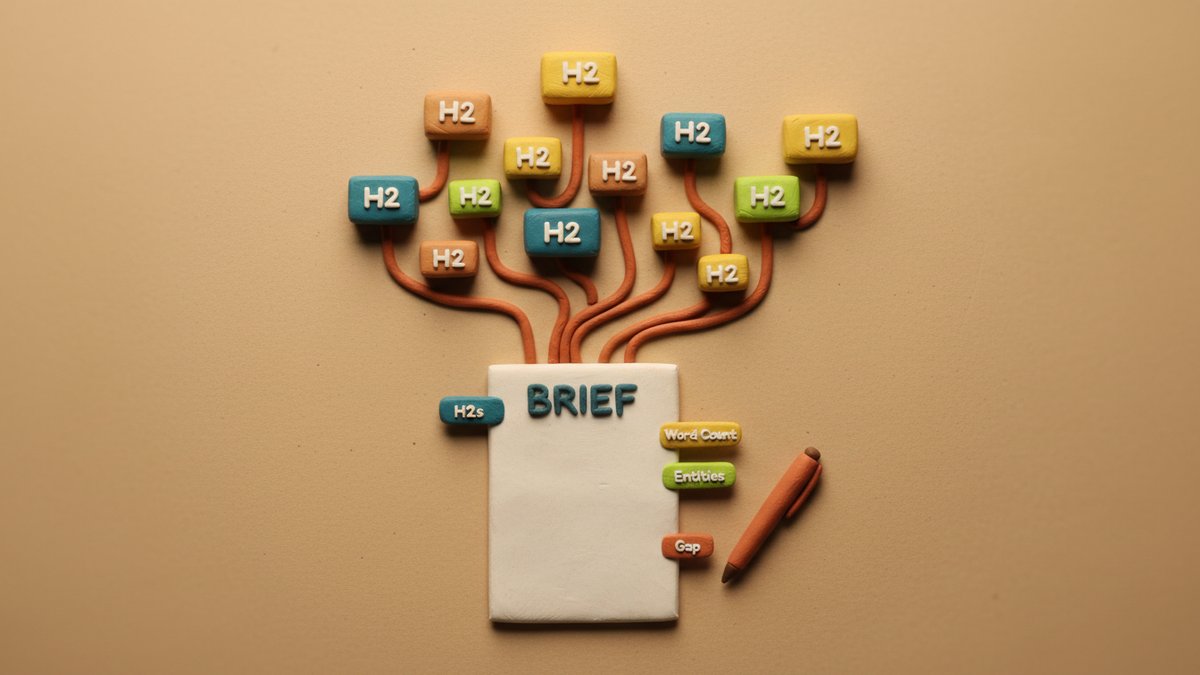
The logic is simple. Google has already done the relevance work for you. Ten pages are ranking for your target keyword because, collectively, they cover what users want. If your brief ignores their structure — the H2s, the intro length, the entities they all mention — your draft is going to fight an uphill battle. Claude just lets you compress the analysis into one prompt.
Step 1: Scrape the top 10 (the boring part)
Pick your target keyword. I almost always use exact-match or very close variants. Then pull the top 10 organic results, skipping ads, "People Also Ask" boxes, and AI Overviews — those aren't the blue links you're competing with.
You can do this three ways:
- Free, manual. Google your keyword in an incognito tab, copy each result's URL, paste the page content into a doc. Slow but it works.
- Ahrefs / SEMrush / SE Ranking. Export the SERP overview as a CSV, then bulk-export the on-page content of each URL.
- A scraping API. Tools like Apify's Google SERP scraper or DataForSEO's SERP API return structured data — title, H1, H2, H3, word count, intro paragraph — without you opening a browser.
For most of my work, the scraping API route is the right tradeoff. It costs a few cents per keyword and saves an hour of clicking. I'll dump the structured output into a single sheet.
Step 2: Extract the patterns
Before you touch Claude, do a quick eyeball pass. You're looking for three things:
- Recurring H2s. If 7 of 10 posts have a "How much does X cost?" section, that's a required section. If only 2 of 10 have a "Common mistakes" section, it's optional.
- Intro length and shape. Are they short, punchy, 80-word setups? Or 250-word context dumps that frame the whole topic before getting to the answer? Match it.
- Entities and statistics. What tools, brands, frameworks, percentages, and named concepts appear across multiple posts? Those are the entities Google's NLP (Natural Language Processing) is associating with the topic. Miss them, and your content looks thin.
I drop all of this into a single document: each URL, its H2/H3 outline, its word count, and a copy-pasted intro. Twenty minutes of work, but it pays off.
Step 3: The prompt
This is the part you'll actually copy. Feed the document from Step 2 into Claude with this prompt — replace the bracketed placeholders with your own data:
textYou are an SEO content strategist. Below is a SERP analysis for the keyword "[TARGET KEYWORD]." I have included the top 10 ranking pages, their word counts, their H2/H3 structure, and their intro paragraphs.

Your job: write a content brief I can hand to a writer that will outrank these pages.

The brief must include:

1. **Target word count.** Look at the median and adjust if my domain is stronger or weaker than the SERP average.
2. **Search intent summary.** What is the user actually trying to accomplish? One paragraph.
3. **Required H2 sections.** The H2s that appear in 5+ of the 10 pages — these are non-negotiable.
4. **Recommended H2 sections.** The H2s that appear in 2-4 pages — include if they add unique value.
5. **Optional H2 sections.** The H2s that appear in only 1 page — usually a contrarian angle; mention but don't force.
6. **Required entities and statistics.** Every brand, tool, framework, percentage, and named concept that appears in 3+ pages. These are the entities Google's NLP expects to see.
7. **Intro structure.** 2-3 sentences describing the angle, length, and opening hook the top 10 use.
8. **Content gap opportunities.** What is the SERP collectively missing that I could uniquely add? Examples: a step-by-step example, a first-person case study, a contrarian take, an updated statistic.
9. **Internal linking suggestions.** 3-5 related topics on my domain that this post should link to (assume I have a mid-size content site in the [NICHE] niche).
10. **Differentiation angle.** One sentence: what would make my post meaningfully different from the top 3 results?

Here is the SERP data:

---
[SERP DATA GOES HERE — each URL, word count, H2/H3 outline, intro paragraph]
---

Output the brief in clean markdown, no preamble.
The "SERP DATA GOES HERE" block is where you paste the sheet from Step 2. Keep it structured — one URL per block, with clear labels for word count and headings. Claude reads structure well, so help it.
Step 4: The output
Here's a sanitized version of what comes back. I ran this exact prompt for the keyword "content brief template" a few months ago — the brief Claude produced in 18 seconds:
Content Brief: "content brief template"
Target word count: 1,400-1,700 words. Median of top 10 is 1,520. Aim slightly above if you can include a downloadable asset.
Search intent: User wants a ready-to-use template they can copy and fill in. Commercial-investigation (they're deciding which template to use or build), not pure informational.
Required H2s (in 7+ of 10):
- What is a content brief?
- Why content briefs matter
- Content brief template (the actual template — this is the conversion point)
- How to use this template
- Examples
Recommended H2s (in 3-4 of 10):
- Content brief vs. creative brief
- SEO elements to include
- Common mistakes
Required entities: Ahrefs, SEMrush, Surfer SEO, Frase, Clearscope, target keyword, search intent, H2/H3, word count, internal linking, SERP, meta description, schema markup.
Content gap opportunity: None of the top 10 include a free downloadable Notion/Google Docs version of the template. Including one with a "name + email" gate would be a clear differentiator.
Differentiation angle: A working SEO's annotated template, with comments showing what each line is for and why.
I handed that to a writer. The post ranked on page 2 within three weeks and hit page 1 within two months. I'd be lying if I said it was only the brief — the writer was good, and the domain was solid — but the brief was the part that took twenty minutes instead of ninety.
Watch-outs
A few things the prompt won't catch:
- SERP volatility. Some keywords have stable top 10s; others churn. For a YMYL (Your Money Your Life — health, finance, legal) or news-sensitive topic, refresh the data the day you write.
- AI Overviews. If the SERP has an AI Overview, check what it cites. Those citations are a free list of the entities Google wants to see.
- Format bias. Claude is biased toward long, comprehensive outlines. For "what is X" queries, force a shorter target word count in the prompt — the SERP often rewards brevity there.
The brief is the safety net, not the article
Here's the part I'd push back on if you're tempted to over-process this. The brief isn't the post. It's the scaffold. Once Claude hands it to you, your job is to make a decision your brief can't make: what's the angle only you can take? What example can you cite that none of the top 10 can? What did you learn the hard way that the SERP doesn't know yet?
A SERP-matched brief gets you in the room. Your experience is what gets you the click.