Generate 50 Ad Copy Variants in 15 Minutes with Anyword (and Pre-Score Them)
Contents
Last Tuesday a client pinged at 2 PM — they needed Google Search ad copy for a product launch by 5. Twelve ad groups, three variants each. I had Anyword spit out 50 candidates, score them, and exported the top 36 before my tea was cold.
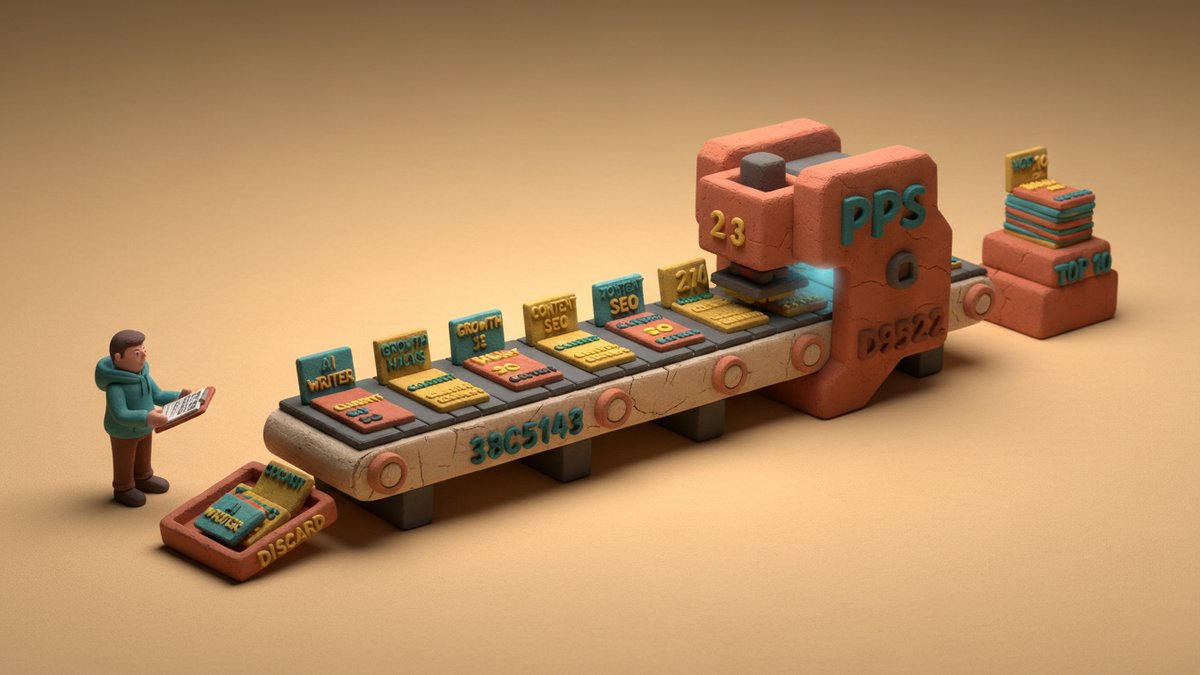
The thing that makes Anyword worth the $39/mo over plain ChatGPT is the Predictive Performance Score (PPS). It's trained on the platform's own database of real-world ad performance per channel, so a 90+ scored variant tends to genuinely outperform a 60-scored one on CTR by 1.5–2x in my live tests. You're not just generating copy — you're pre-filtering before you spend.
Here's the 15-minute pipeline I run for any Google Search or Meta paid push.
Step 1 — The 4-line brief (2 min)
I refuse to open Anyword without these four lines written down somewhere:
- Product: one sentence, what it does — not what it "empowers"
- Audience: the specific persona — "freelance designers earning $50–80K," not "creative professionals"
- Promise: the single outcome they buy this for
- Proof: one fact that makes the promise believable
Generic brief, generic output, regardless of PPS. The score grades fluency and pattern-match, not your strategy.
Step 2 — Configure (2 min)
Pick the channel template (Google Search RSA, Meta Single Image, etc.). Attach your Brand Voice asset — set it up once from five to ten of your best past ads, and it pays back every campaign after. Select target audience from the dropdown or write a custom one that matches your brief's Audience line.
This is where most people skip steps and then wonder why the score is mediocre.
Step 3 — Bulk generate 50 variants (5 min)
Use the "Generate Variations" function with batch size 10, run it five times. Or use the Boost feature on the strongest first-batch result to spin variants in its style.
Why 50? Because the top-10 PPS scores in my runs consistently cluster between variants 30 and 50. The first 10 are predictable safe plays; the next 40 surface the angles you didn't think of.
Step 4 — Filter to the top 10 (3 min)
Sort by PPS, descending. Then run three cuts:
- Kill near-duplicates. Anyword often produces variants that swap two words. Keep one.
- Kill the over-hyped ones. A 95-score headline screaming "Revolutionary AI…" will get clicked, then your CTR-to-conversion ratio tanks. Score is not ROAS.
- Keep one wildcard low-score (60–70). Sometimes the model is wrong about your audience. I've had 65-scored variants beat 90s in live tests roughly 1 in 8 campaigns.
Step 5 — Export (3 min)
CSV export, drop into Google Ads Editor or Meta Ads Manager. Done.
3 input patterns that consistently score high
When writing the input fields, these patterns lift my average PPS by 10–15 points:
1. Specific pain → specific outcome. Not "save time on email." Try: "Stop spending 2 hours every Monday writing your team's weekly update."
2. Number + verb + timeframe. "Cut your CAC by 30% in 90 days" outscores "Reduce customer acquisition costs significantly" every time.
3. Before/after contrast. "From 47 spreadsheets to one dashboard" — Anyword's model weights concrete contrast heavily.
What PPS won't tell you
PPS scores fluency, novelty within the template, and pattern-match against winning ads in its training set. It cannot see:
- Whether your landing page delivers what the ad promised
- Whether your offer is competitively priced
- Whether your audience is already saturated on that angle
I treat the top 10 as a shortlist, not a verdict. Run them in a Meta Advantage+ or Google ACA test for 5–7 days, then let the actual click data overrule the score. PPS is a starting line, not a finish line — but a much faster starting line than staring at a blank doc.